¶ For Clubs
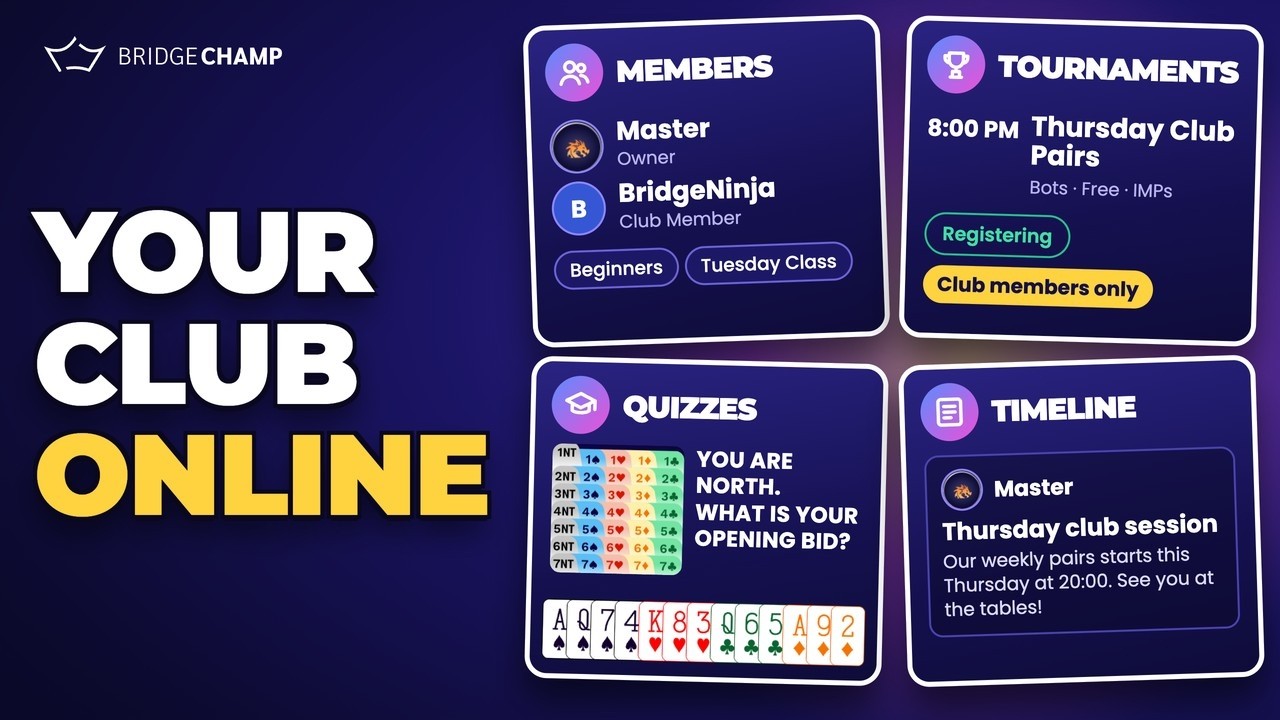
A club is your own space inside Bridge Champ. It gives you a member list you control, classes to group your students, a timeline for your announcements, and tournaments reserved for your players. Click any button below for a step by step guide.
📋 At a glance
What it is: Your own club inside Bridge Champ, with its own members, classes, timeline and events.
Who it is for: Club owners, club administrators and teachers who run a group of players.
You will need: A club on Bridge Champ. Clubs are created by the Bridge Champ team on request: to ask for one, fill out this form.
¶ What a club gives you
- A member list you control: invite players, approve join requests, promote admins, and remove members.
- Classes: group members into named classes, such as a beginners group or a Tuesday lesson.
- A club timeline: post news and announcements that only your members see.
- Club tournaments: run events for your club, or for one class inside it.
- Bidding quizzes: set bidding problems for your members and let them score themselves.
- An owner badge: you hold the crown and manage everything.
- A club identity: logo, name, country and a short description.
⚠️ Do you have a club yet? Clubs are created by the Bridge Champ team on request. To ask for your club, fill out this form.
¶ Set Up Your Club


¶ Run Your Club
¶ How the pieces fit together
Running a club on Bridge Champ follows three stages:
- Fill it: open your club, then invite players and approve join requests. Promote a trusted member to admin so you are not alone.
- Organise it: create classes and place each member in the right group.
- Run it: announce what is coming on the club timeline, and open tournaments reserved for your club or for one class.
¶ Related guides
- For Teachers: run lessons, prepare hands and share hand records
- Create Tournament: the full tournament setup guide
- Password Protected Tournaments: another way to keep an event private

Questions about your club? Write to us at info@bridgechamp.com.