¶ Sharing and QR Codes
Every share button on Bridge Champ gives you two ways to pass something on: a QR code, or a plain web link. It is the quickest way to get your club to the right tournament without anyone typing anything.
📋 At a glance
What it is: A QR code and a link for any tournament, result or challenge.
Who it is for: Anyone, but especially clubs and teachers announcing an event.
You will need: Nothing.
¶ Where to find it
Look for the small share symbol, three dots joined by two lines. On the Tournaments page it sits in the bottom right corner of every tournament card, next to the eye and the camera. Wherever you find it, it opens the same window.
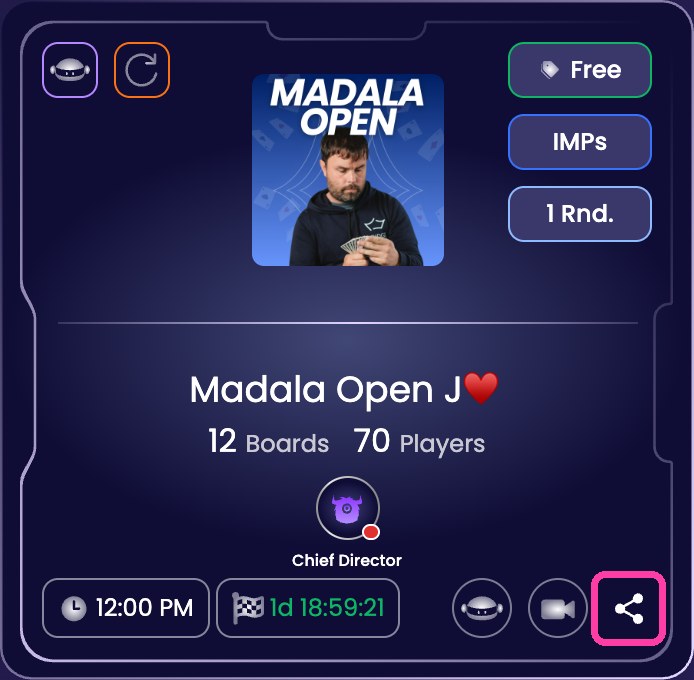
¶ How to share something
¶ Step 1: Click the share symbol
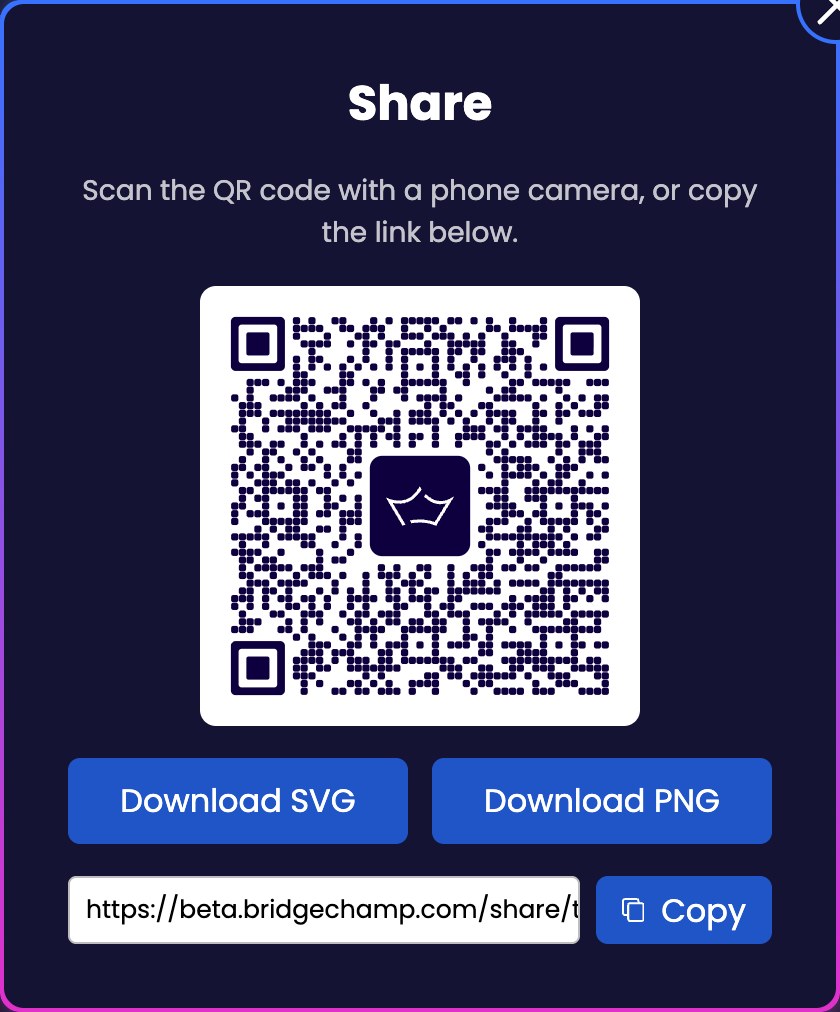
The window opens with the QR code already made for you, and tells you what to do with it: Scan the QR code with a phone camera, or copy the link below.
Everything you need is in this one window: the code itself, two buttons to save it, and the plain link underneath.
¶ Step 2: Show the code, or save it
Anyone can point a phone camera at the code on your screen and go straight there. No app is needed to scan it, the camera does it.
To keep a copy, use one of the two buttons:
- Download PNG for anything on a screen: an email, a message, a post.
- Download SVG if it is going to be printed large, on a poster or a noticeboard. An SVG stays sharp at any size.
¶ Step 3: Or just copy the link
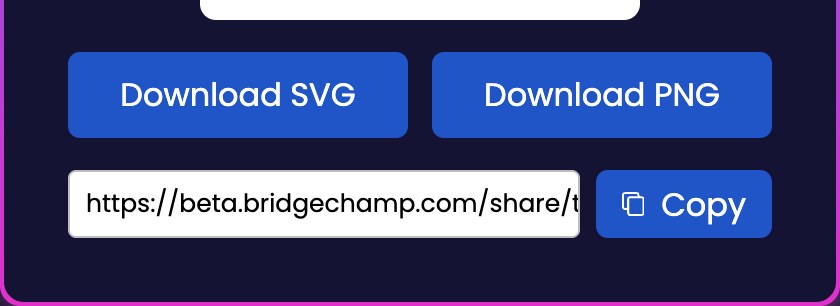
Under the two buttons is the web address itself, with a Copy button beside it. Click Copy and paste it wherever you like: an email, a WhatsApp group, your club newsletter.
¶ What happens when someone opens it
On a computer the link opens the page in the browser, as you would expect.
On a phone, if Bridge Champ is installed the link opens in the app itself rather than the browser. If it is not installed, the link takes them to the app store instead, which makes a printed QR code a tidy way to bring new players in.
¶ Where a QR code earns its keep
- On the club noticeboard, next to the details of the next event.
- On a printed handout at the end of a lesson, pointing at the practice tournament.
- In a newsletter, so nobody has to type a long address.
¶ Related guides
- Tournaments: find and join an event
- Club Tournaments: run an event for your members
- The Mobile App
- Share Hands With Students: send one specific deal, with any saved positions, straight to a student for homework.

Any trouble sharing? Write to us at info@bridgechamp.com.