¶ Vugraph
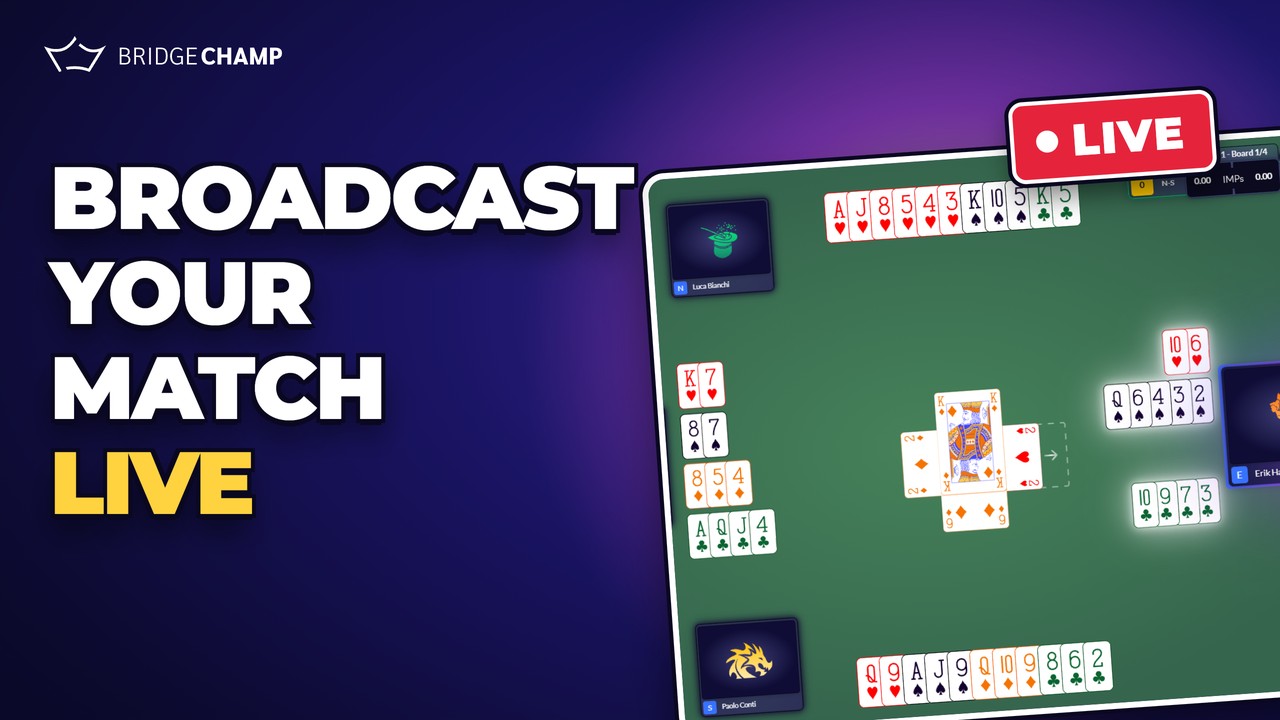
Broadcast a live match on Bridge Champ, table by table, so anyone can watch the bidding and the play as it happens. Operators enter every bid and card from the open room and the closed room, and kibitzers follow along on the web or in the mobile app.
📋 At a glance
- Who it is for: organisers who want to broadcast a team match or a championship.
- Where: log in on beta.bridgechamp.com and open Vugraph in the left sidebar.
- Permission: creating events needs the Vugraph manager permission. Write to info@bridgechamp.com to request it.
- Watching is open to everyone: any Bridge Champ user can kibitz.
¶ Watch the presentation
A short video that shows what a Vugraph broadcast looks like on Bridge Champ.
¶ Overview
A Vugraph broadcast has three levels:
- Event: the tournament itself. It has a name, a logo, a number of rounds and a number of boards per round.
- Round: each round has its own set of boards.
- Session: one match played in one round, for example Italy vs. Norway in round 1. Every session has two tables, the open room and the closed room.
Four people make it work:
- Vugraph manager: creates the events.
- Tournament director: uploads the boards, creates the sessions, assigns the operators and starts each round. Usually the same person as the manager.
- Operator: one per table. Enters the auction and the play as it happens in the playing room.
- Kibitzer: anyone who watches, on the web or in the mobile app.
¶ The typical order of work
- Upload the boards to Deal Source (one folder per round).
- Create the event: Vugraph → NEW EVENT.
- Import the boards for round 1.
- Create the session(s) for round 1 with their operators.
- Click Open Lobby, then Start Tournament.
- At the end of each round: End round, set up the next session(s) and boards, then Start round.
¶ Download the full guide
The complete organiser guide covers every step with screenshots: creating the event, managing directors, importing boards, running the rounds, the operator keyboard shortcuts, correcting a score and watching the broadcast. It ends with a one-page quick reference you can print.
📥 Download the Vugraph guide (PDF, 24 pages)
Updated: 7 October 2026
¶ Related guides
- Deal Source: upload and organise your boards
- Create Tournament
- Start a Team Match: one team against another
- Stream your games on YouTube

Planning a Vugraph broadcast and need a hand? Write to us at info@bridgechamp.com.