¶ Play From Position
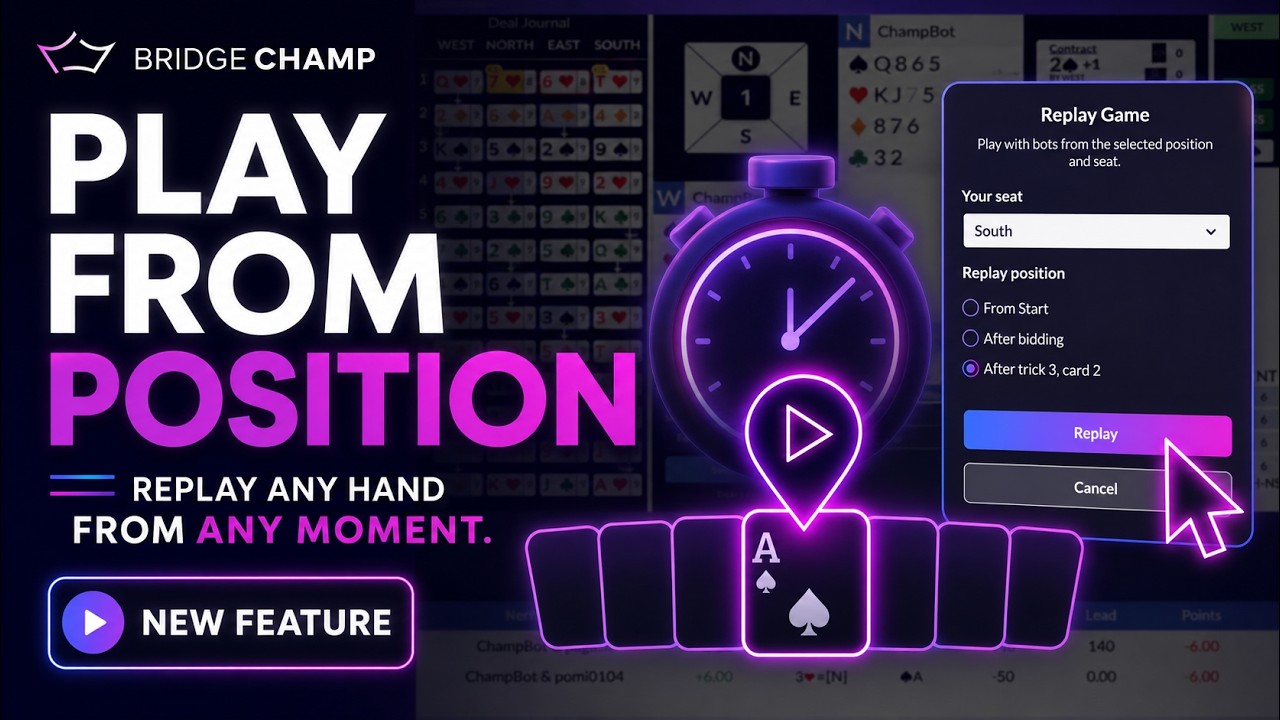
After you play or review a hand, you can save a position from it: the exact point part-way through the deal, straight into your Deal Source. You or your students can then replay from that point, or explore a different line to see how it would have turned out.
📋 At a glance
What it is: Save a mid-hand position and continue from it later.
Who it is for: Teachers who want to freeze a key moment and use it in class.
You will need: A hand you have played or are reviewing.
¶ Overview
“Here is the position at trick five, how should we continue?” is one of the most useful questions in teaching. Play From Position turns any real moment into a repeatable exercise.
¶ Why teachers use it
- Turn a real moment from play into a teaching exercise.
- Try “what if” lines to compare a good play with a poor one.
- Saved positions travel with the hand when you print or share it.
¶ How to use it
¶ Step 1: Open a hand you played
Play a board, or open one from History in the left menu, so its results screen opens with the diagram, the bidding and the play.
¶ Step 2: Step to the moment you want
Use the replay controls to move to the exact point you want to teach, for example just before a key decision.
¶ Step 3: Save the position
From the results screen, choose Save position (in the board’s actions) to store that moment in your Deal Source. It appears as a child of the board, so the full hand and the saved position stay together.
¶ Step 4: Replay or explore
From Deal Source you can play the saved position, replay from that point, or explore a different line. You can also share it with a student or include it when you print.
💡 Tip: Save two positions from the same hand, one before and one after a mistake, to show the turning point side by side.
¶ Related guides
- Save Hands as PDF: print with saved positions
- Share Hands: send a position to a student
- Deal Source: where saved positions live
- For Teachers: all teacher guides
Questions or ideas for your bridge classes? Write to us at info@bridgechamp.com.