¶ Save Hands as a PDF
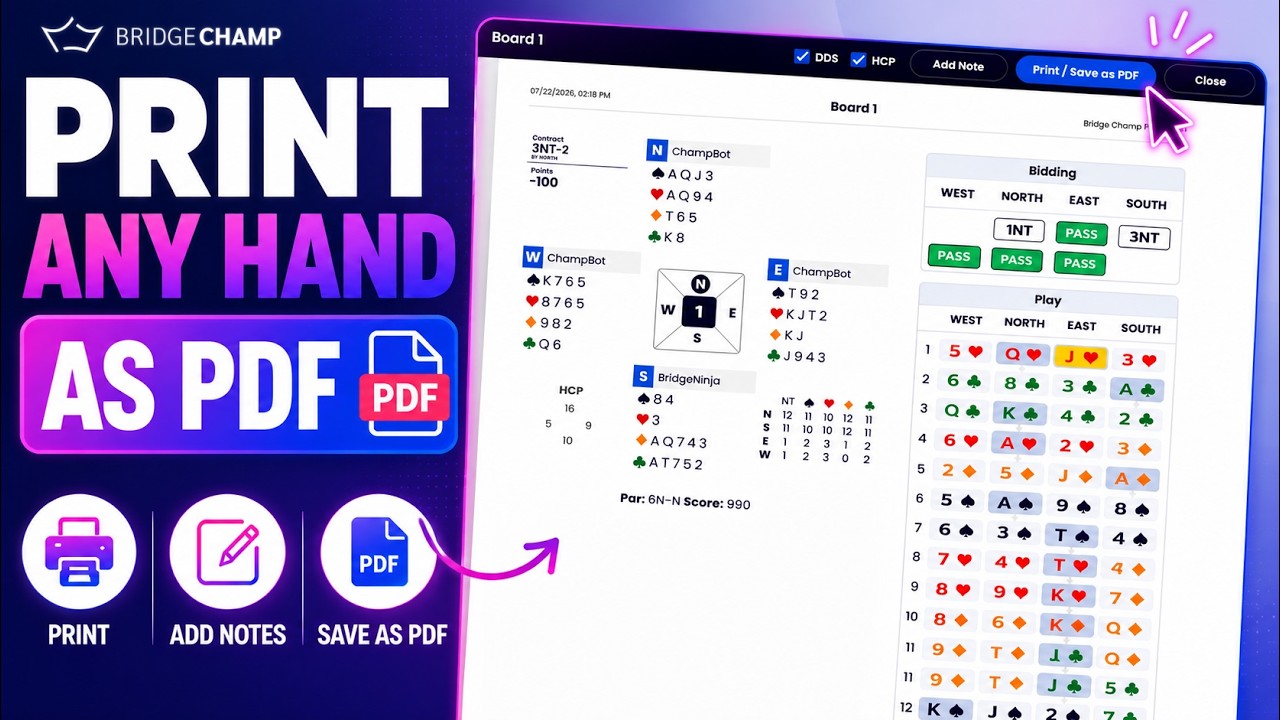
Any hand on Bridge Champ can become a printable PDF: a single deal, or a whole folder. This turns your lesson into take-home material: class notes, homework sheets and hand records your students can study on paper.
📋 At a glance
What it is: A printable PDF of one deal or a whole folder.
Who it is for: Teachers who want printed hand records for the table, or a PDF to email absent students.
You will need: A hand or a Deal Set in Deal Source.
¶ Overview
You can choose one of two layouts, and the PDF opens on any device with no Bridge Champ account needed to read it.
- Board per page: one deal per page, with the full diagram plus the bidding and the play, ideal for detailed review.
- Hand Records: a compact sheet of several deals, ideal for printed practice.
¶ How to use it
¶ Step 1: Open Deal Source
Click Deal Source in the left menu and find the folder to print. Each folder row has a small printer icon.

¶ Step 2: Click the printer icon and choose a format
Click the printer icon to open the Print format window. Pick Board per page or Hand Records, and tick Also print saved positions to include any positions saved with the hands.

¶ Step 3: Save or print
Click Continue. Bridge Champ builds the document, which you can save, print, or email. A “board per page” record shows all four hands, the bidding and the play, the high-card points, the double-dummy make table, the par result, and any note you added to the deal.
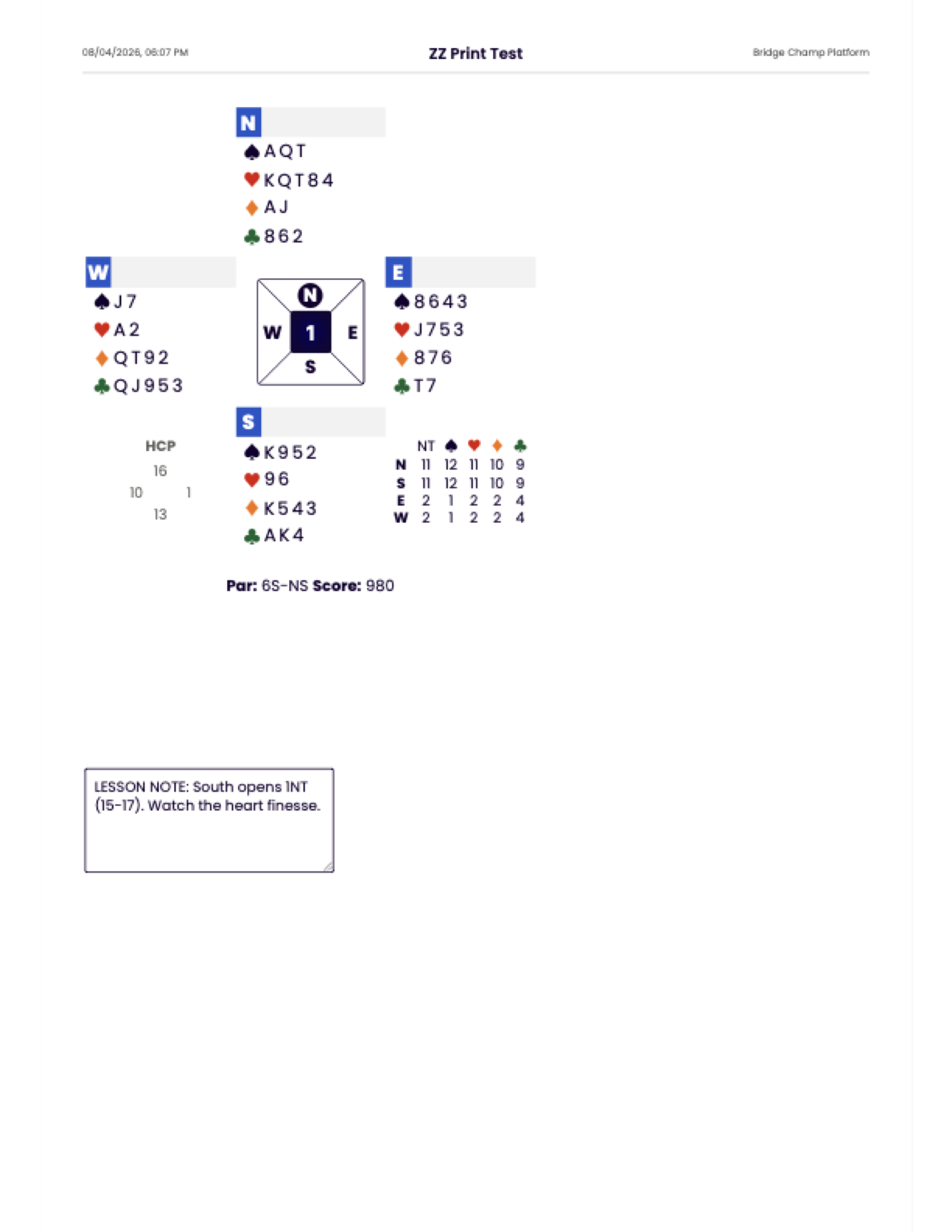
💡 Tip: Add a note to a hand in the Hand Editor before you print, and it appears in a box on the printed page.
¶ Related guides
- Deal Source: where you print from
- Hand Editor: add notes before printing
- Play From Position: include saved positions in the print
- For Teachers: all teacher guides

Questions or ideas for your bridge classes? Write to us at info@bridgechamp.com.