¶ Step-by-Step Guide to Accessing Bridge Champ
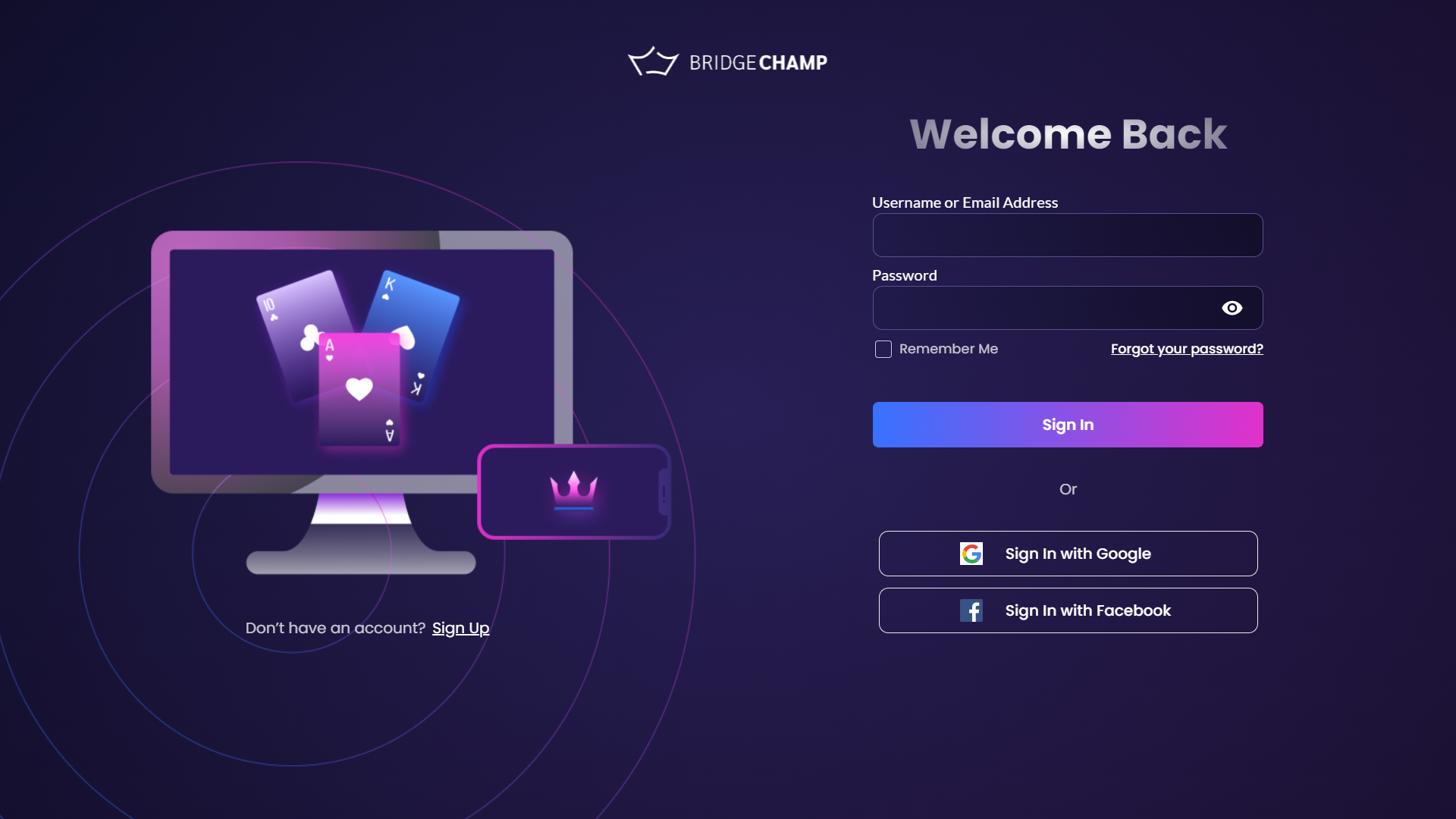
Remember to keep your login information secure and do not share it with anyone.
If you ever forget your password, you can use the "Forgot Password" option on the platform's login page to ask for a new one
(click here).
¶ Registration
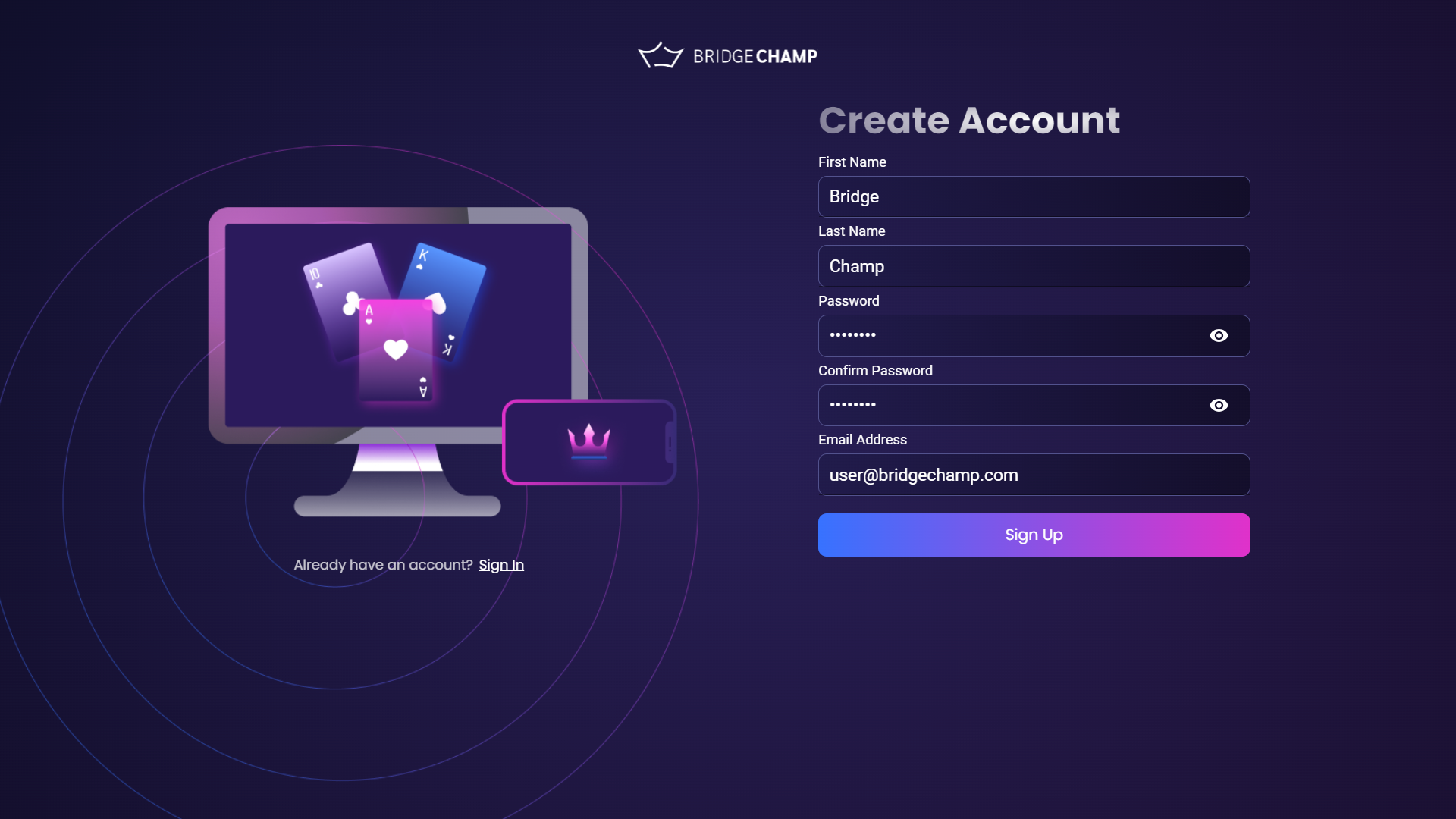
- Visit the Platform Website
Open your preferred browser and go to the login page. - Select Sign-Up
Click "Sign Up" on the left, then choose "Sign Up with Email". - Enter Personal Details
Fill in name, email, and password. Choose a strong password and confirm it.
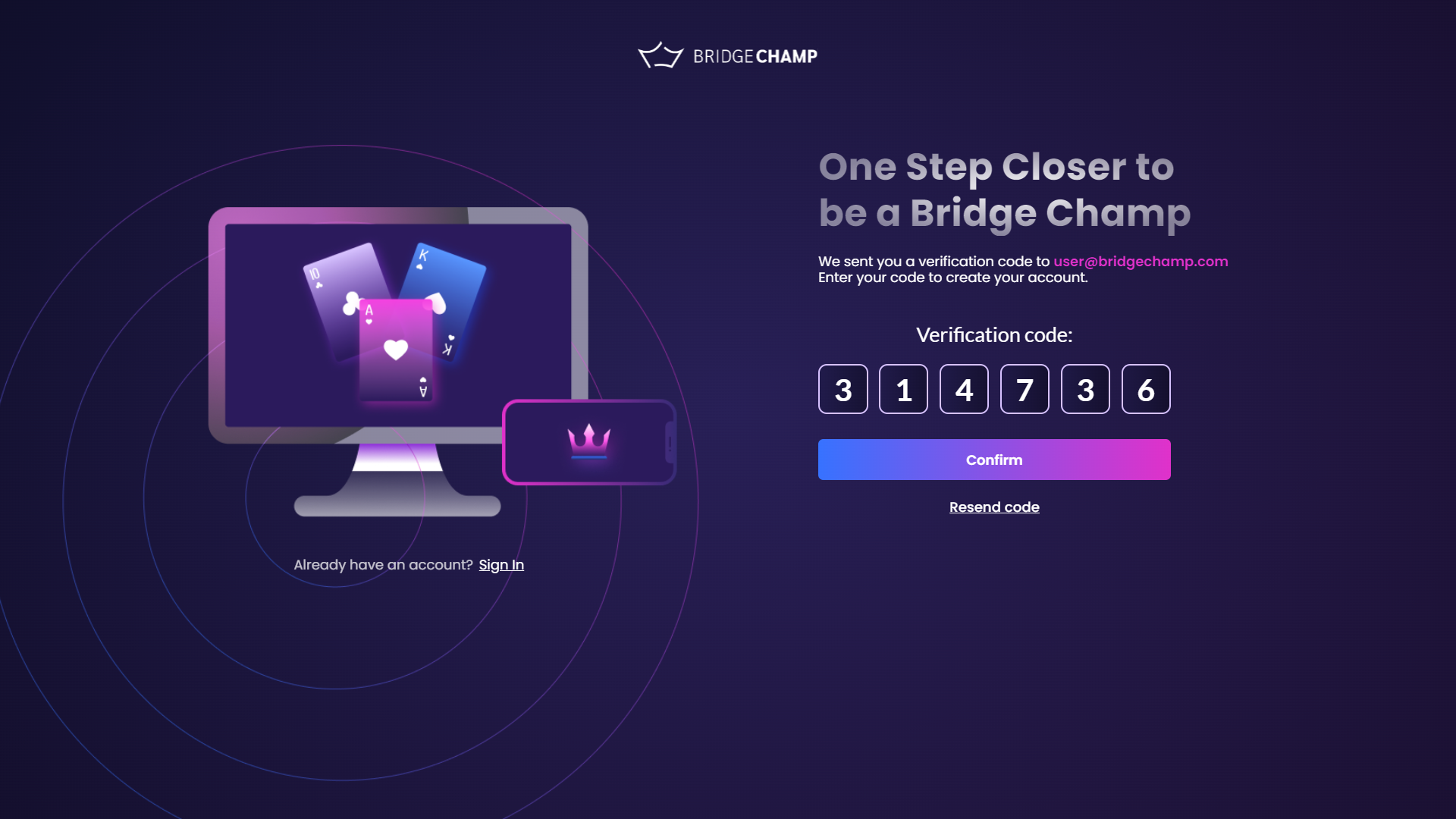
- Email Verification Code
Check your email for the verification code. - Enter Verification Code
Input it on the sign-up page.
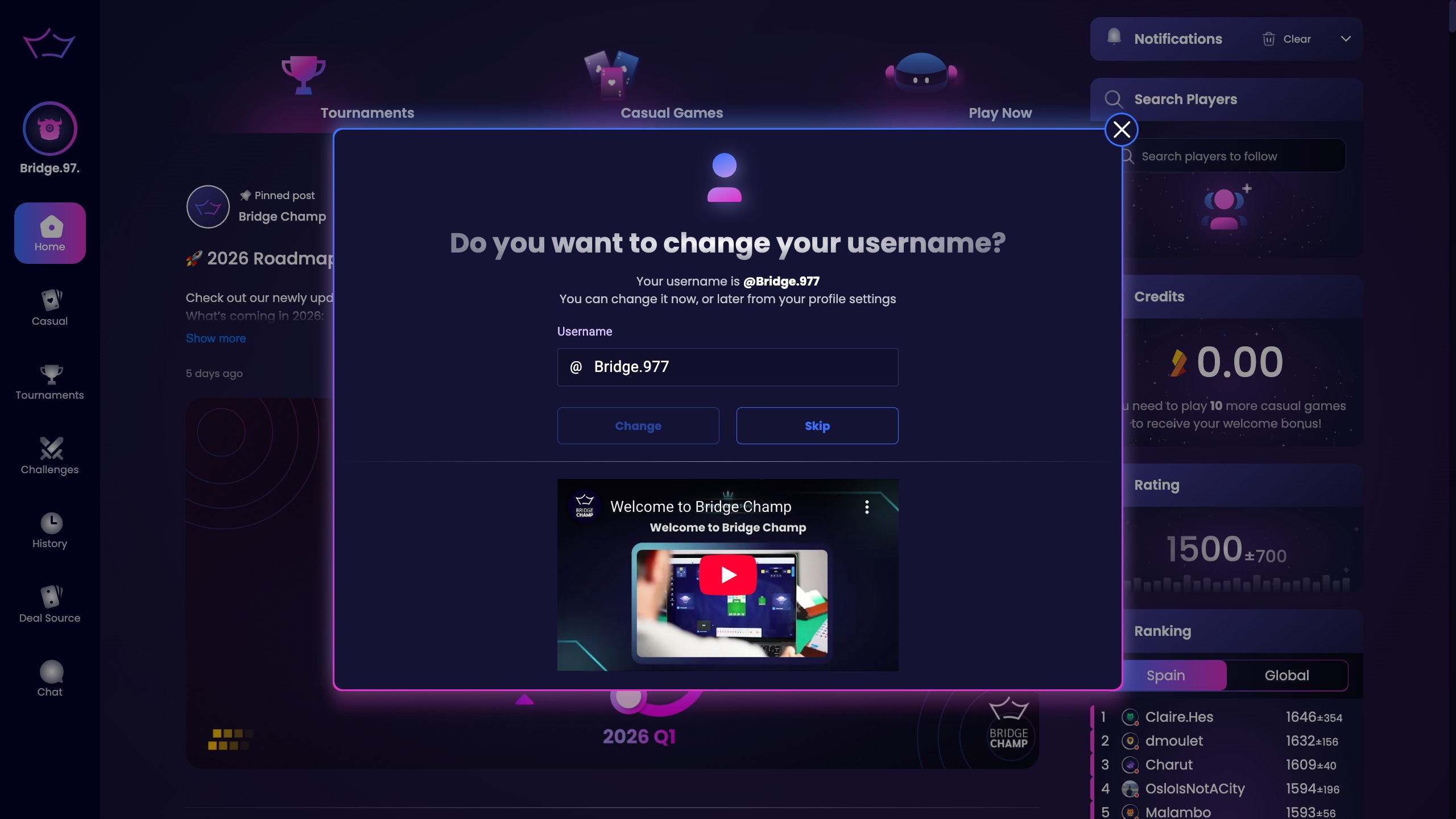
- Confirm Your Username
Accept the auto-generated username or change it to the one you prefer. - Watch the Welcome Video (Optional)
Right below, you’ll see a Welcome to Bridge Champ video.
If you are new to the platform, we recommend watching it for a quick introduction. - Access Granted
You're signed up and logged in!
For further help, watch this video:
¶ Login
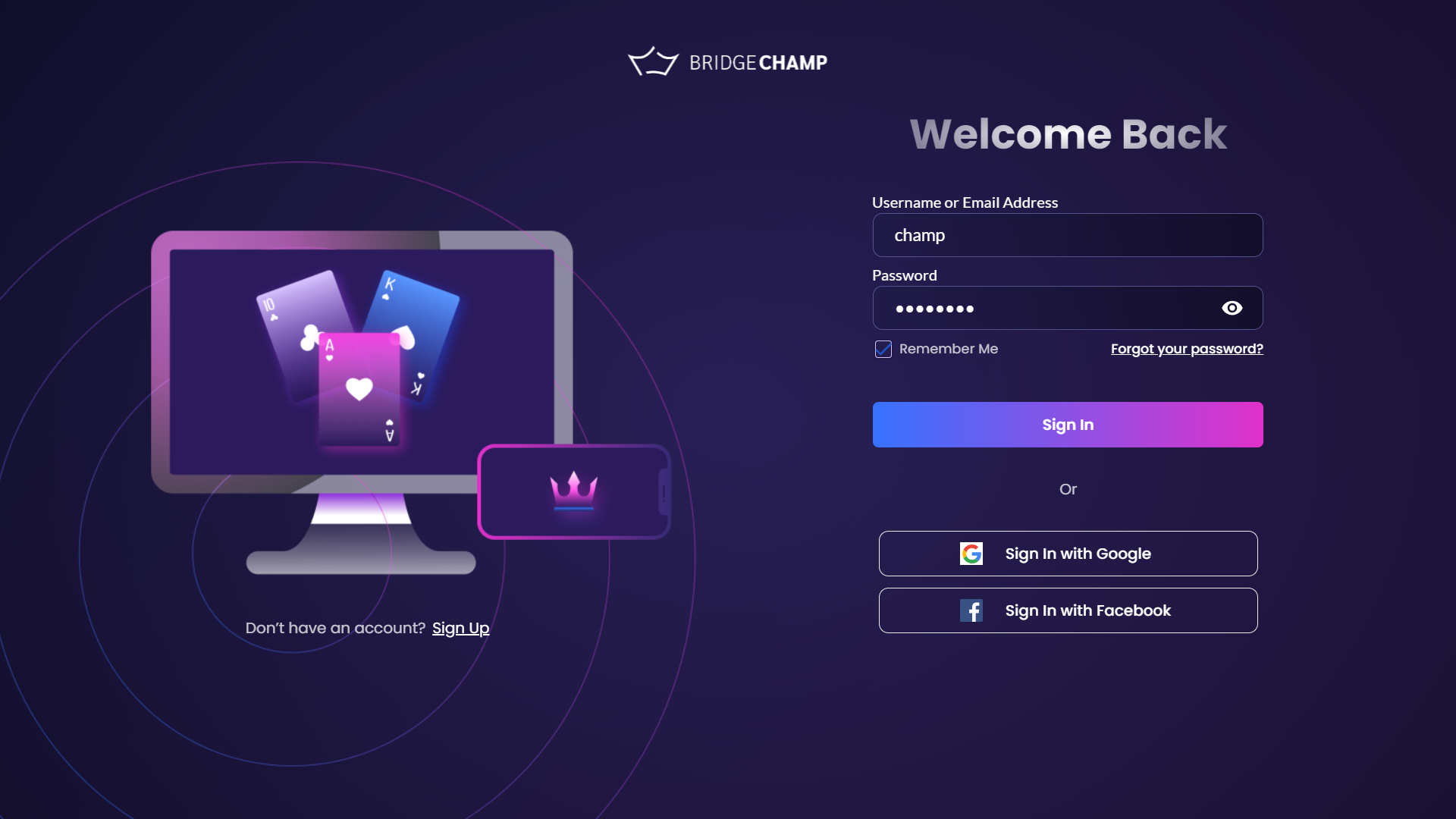
To log in, enter your email or username and your password, then click "Sign In".
If you forgot your password, you can recover it here.
To log in with Google or Facebook, follow this video:
¶ First Login
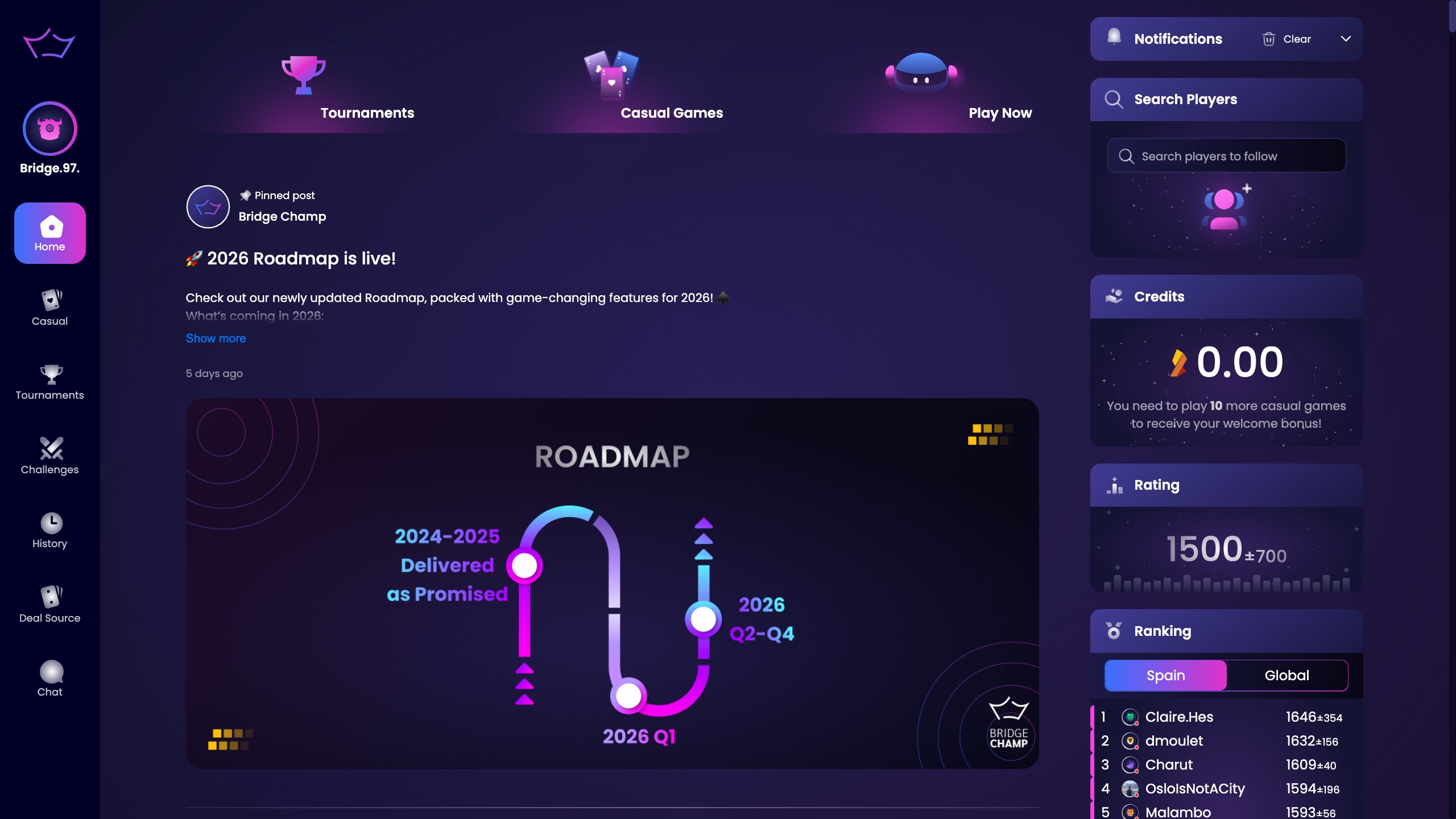
After logging in for the first time, you’ll see the home screen, which includes:
- Main Menu (left)
- Quick Buttons (top)
- Home Widgets (right)
- Timeline (center)
Click the Play with Bots button to start a game with 3 bots. After each deal, compare your result with others who played the same board.
¶ Second Login
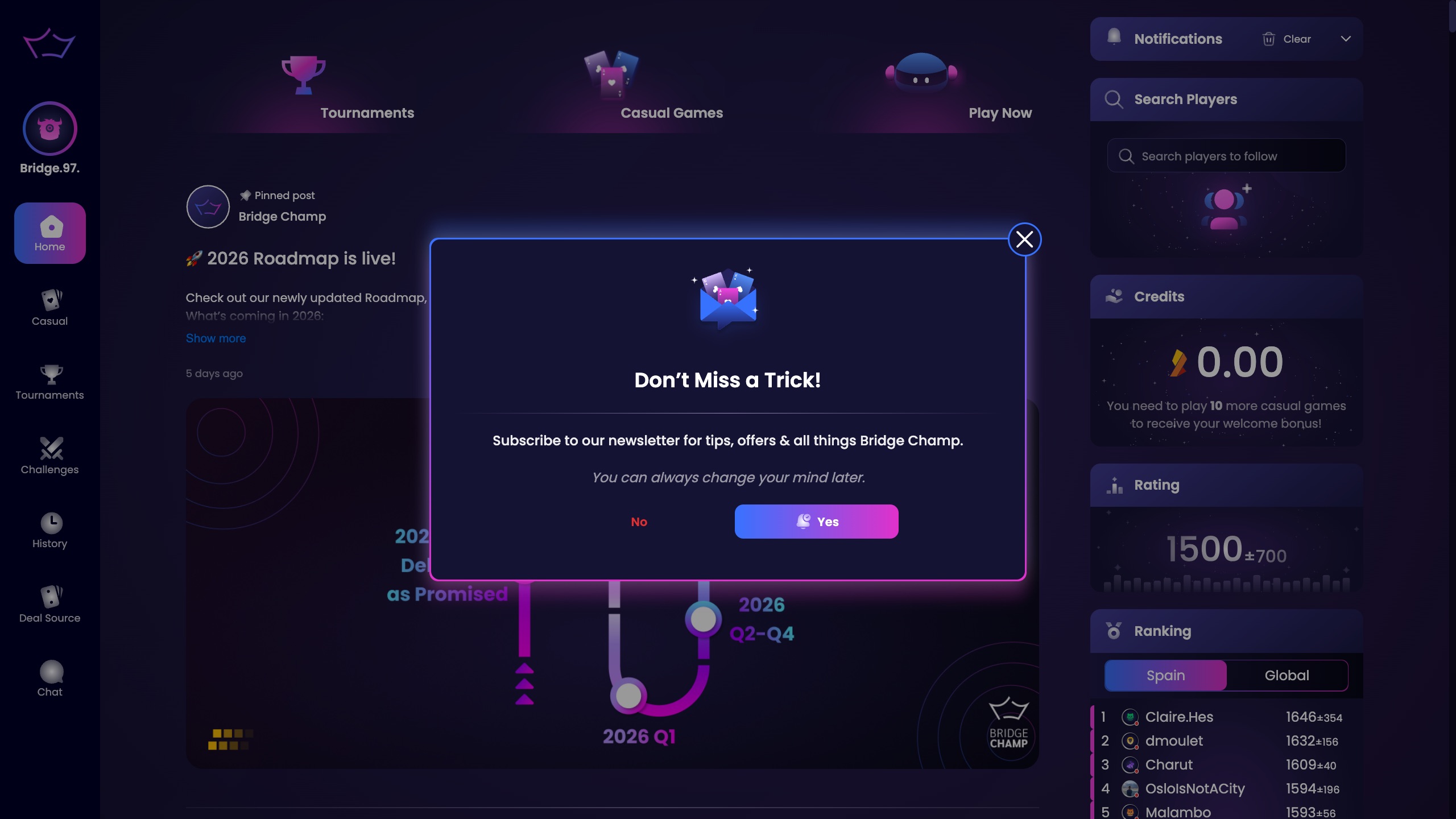
After your second login, you’ll receive a pop-up asking if you want to subscribe to the Bridge Champ newsletter.
This newsletter brings you exclusive tournament invitations, fresh bridge tips, and new opportunities to sit down and play more hands.
- Click Yes to subscribe.
- Click No if you prefer not to receive emails.
You can always change this preference later from your profile settings.
¶ Password Recovery
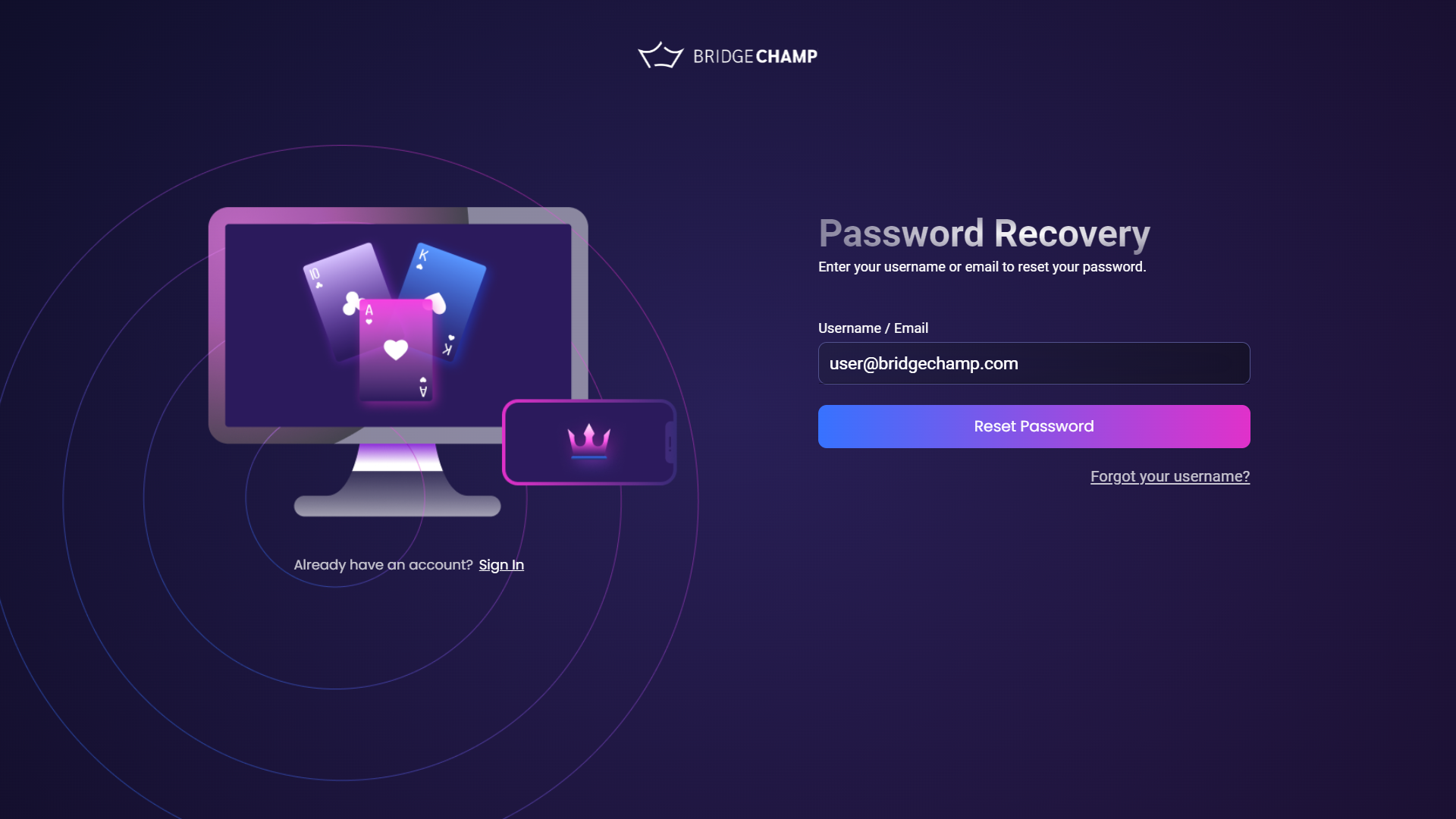
Click Forgot your password? on the login page or click here.
- Enter your email or username.
- Check your inbox for the verification code email.
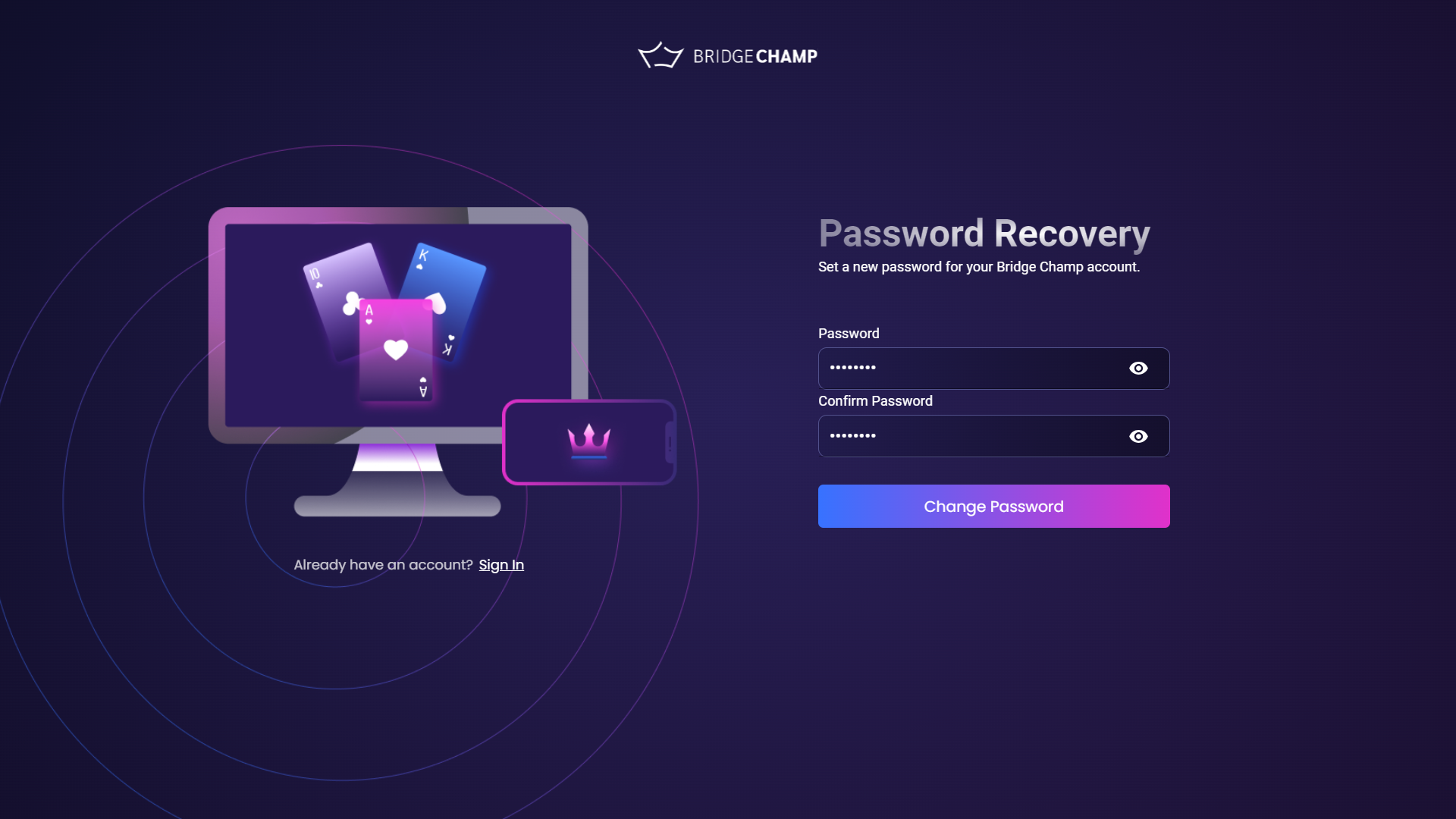
- Enter the code on the platform.
- Set a new password and confirm.
- You’re now logged in with your updated password!