¶ How to View Game Results on Bridge Champ
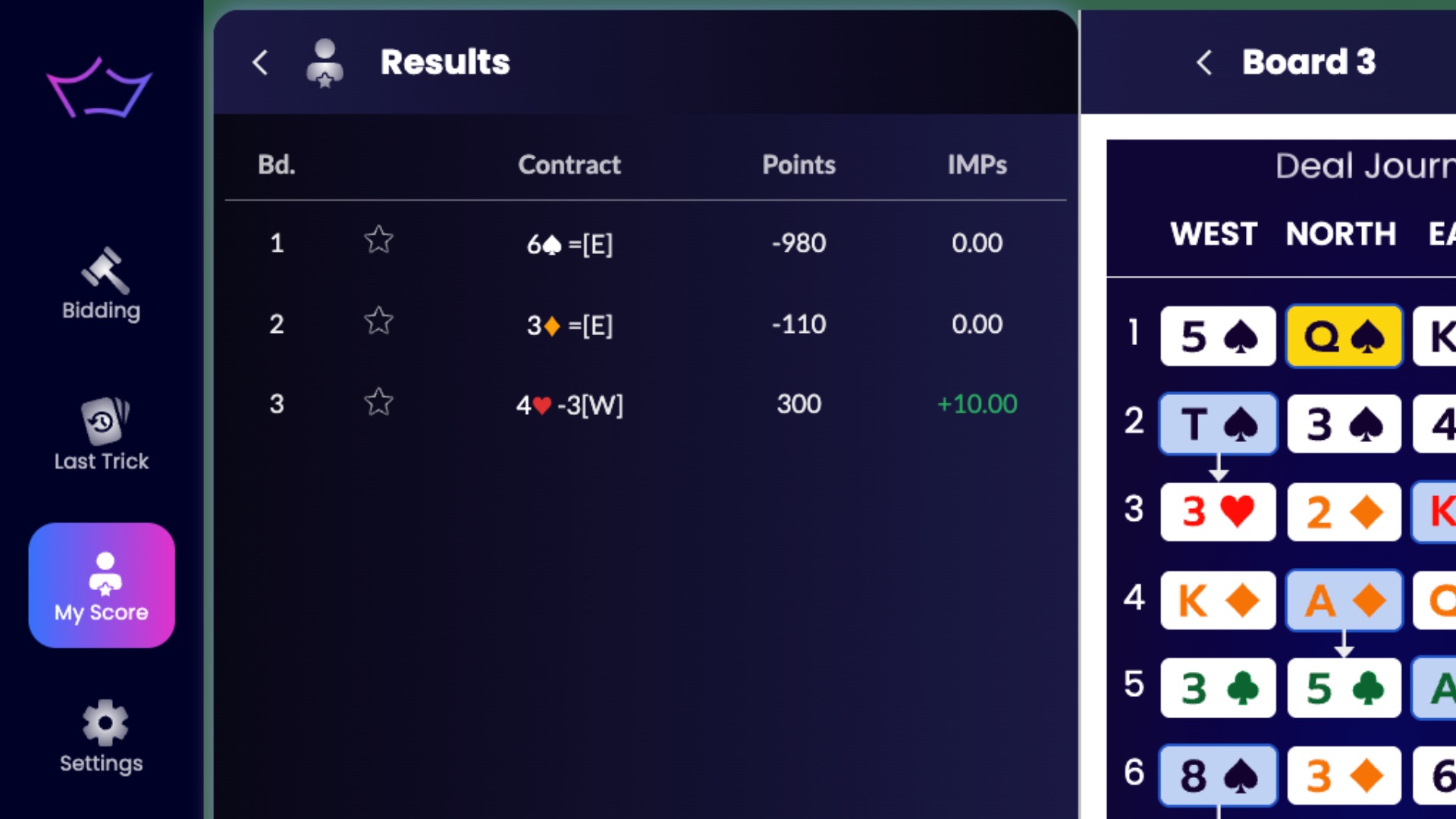
¶ Check Results While Playing
While you’re playing on Bridge Champ, you can check results at any time.
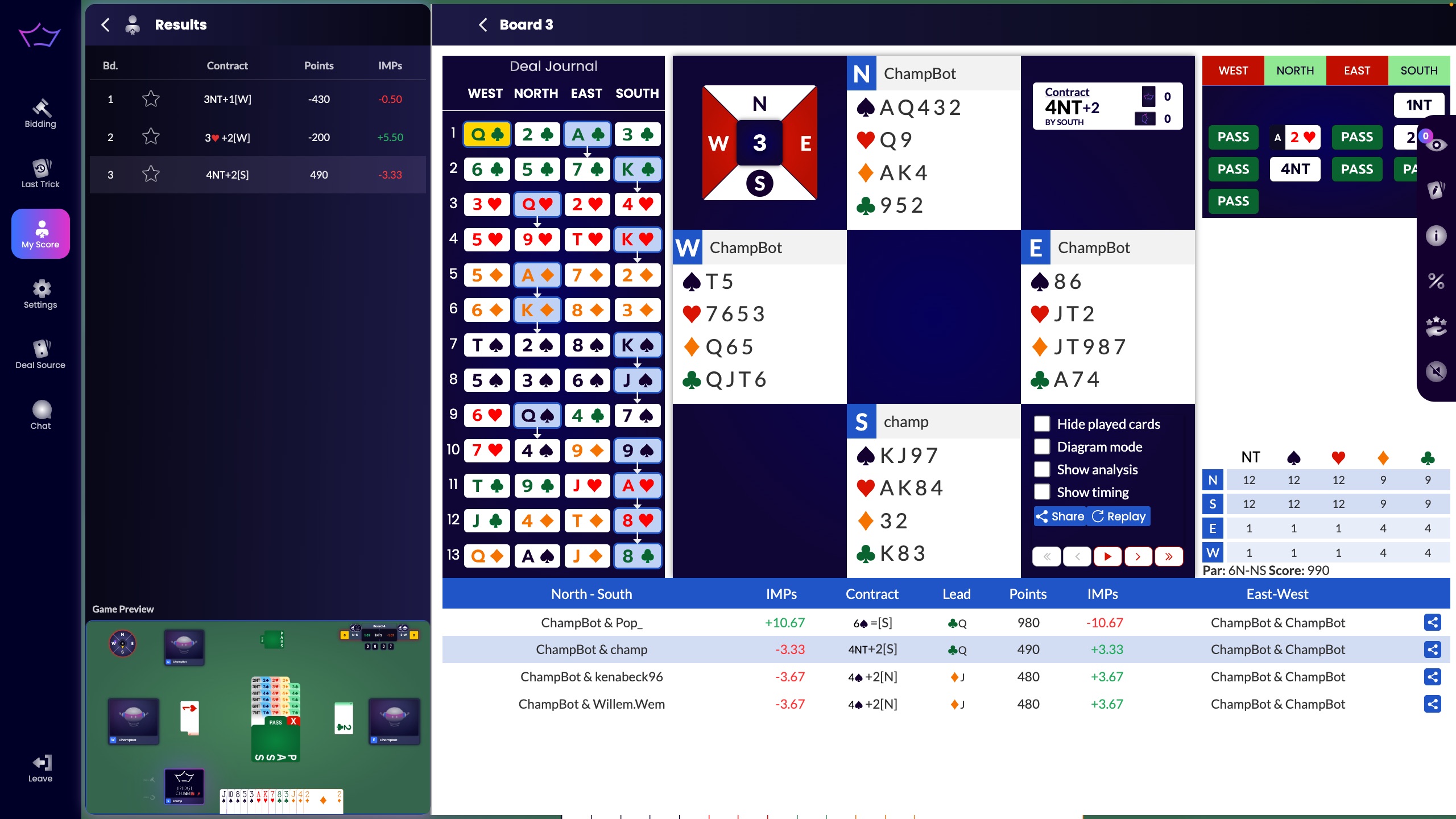
On the left menu, click My Score.
This opens the list of boards you have played in that session or tournament.
Click any board to open the board results and use the available analysis tools to review the score and compare results.
¶ Casual & Rated Games
For casual and rated games, the flow is very similar.
From the main screen, click History in the left menu.
In the first tab, select Casual Games to see the results of your past casual games.
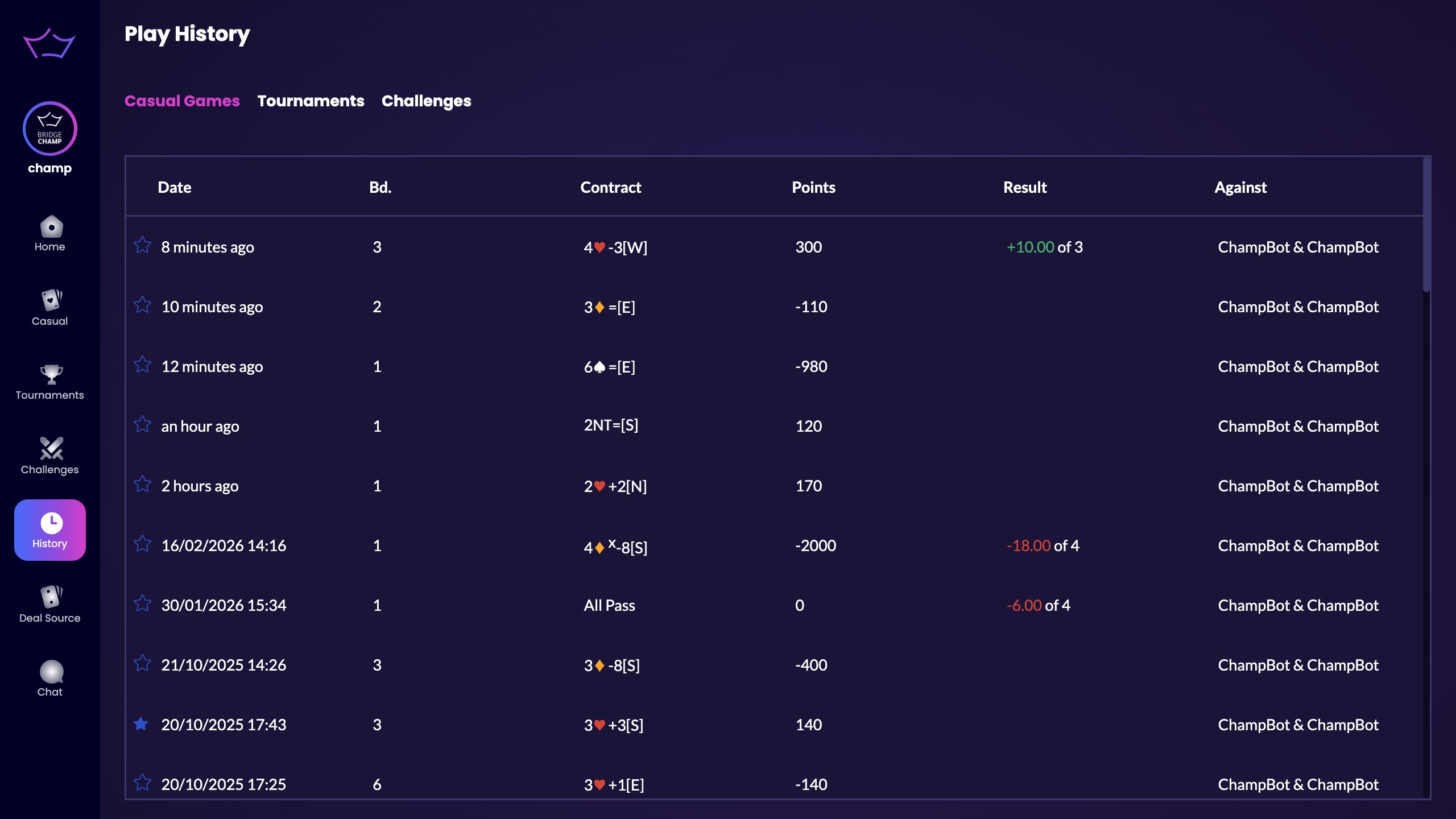
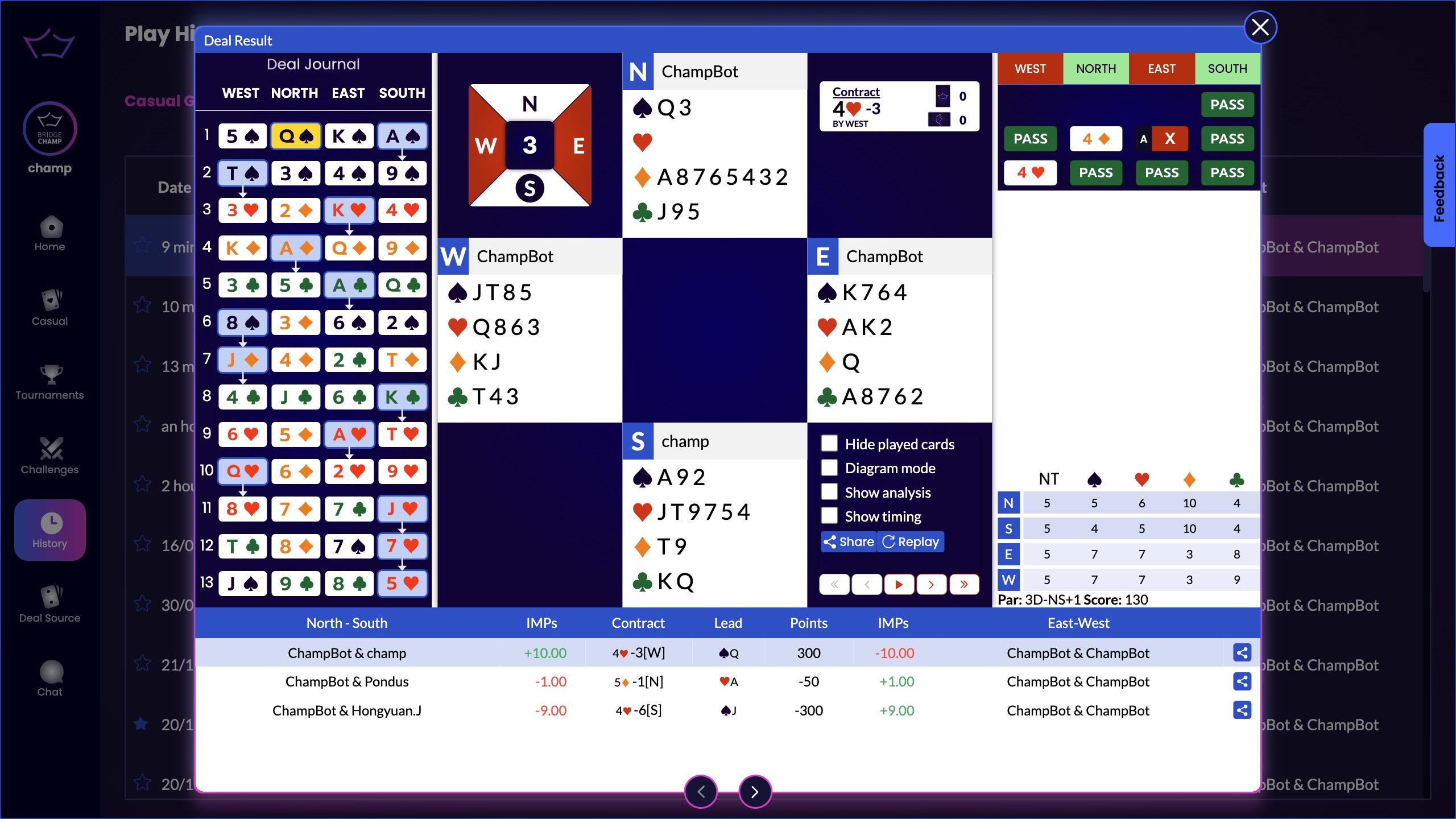
Click any result to open the game and analyze it in detail.
¶ Tournaments
To view tournament results, login to the platform and select History from the left menu.
In the second tab, go to Tournaments.
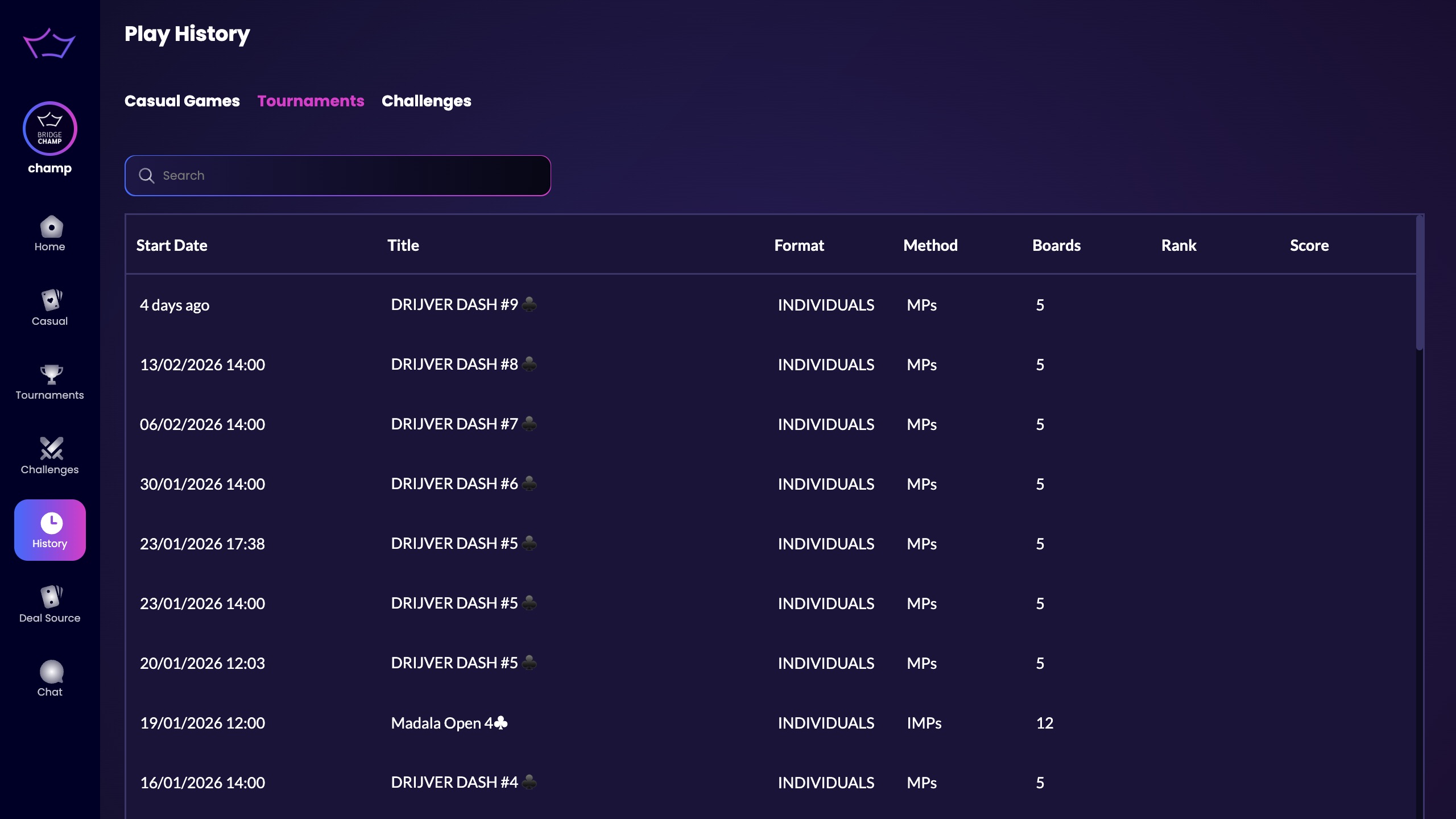
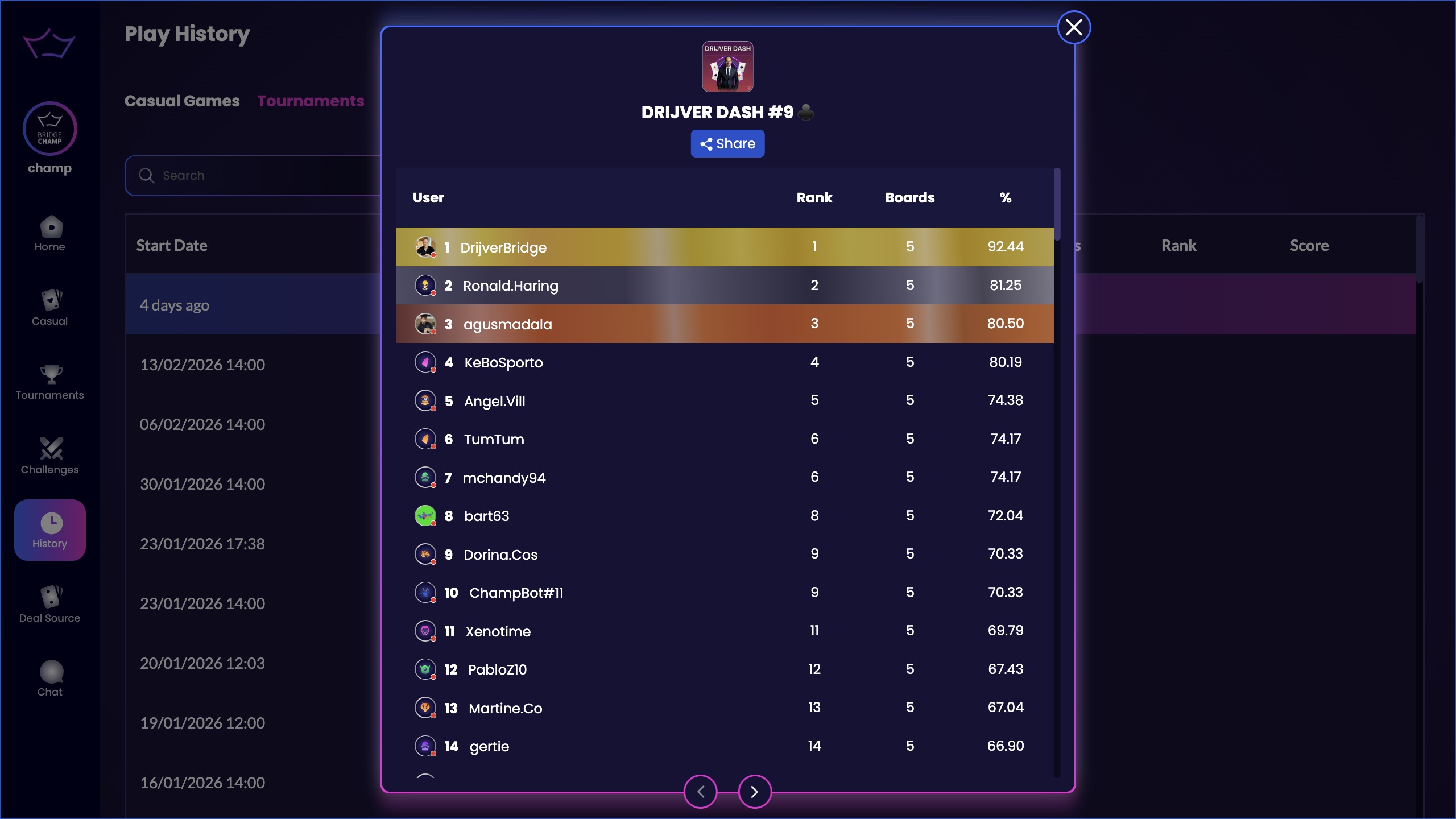
Click any tournament to see the final ranking.
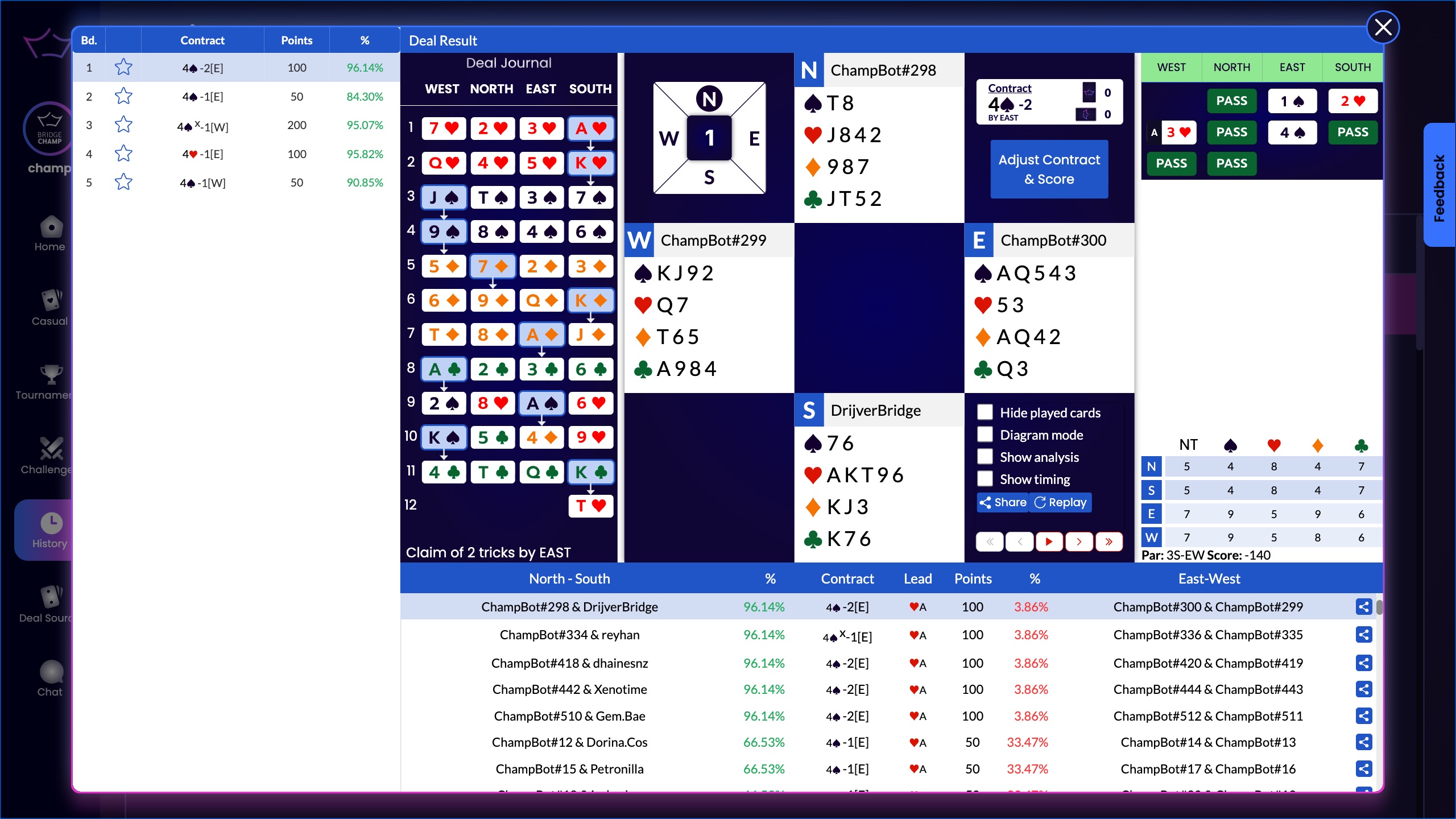
If you click on any player in the ranking, you’ll open that player’s detailed results for the tournament, including how they played each board.
¶ Challenges
To view challenge results, go to History from the left menu and open the Challenges section.
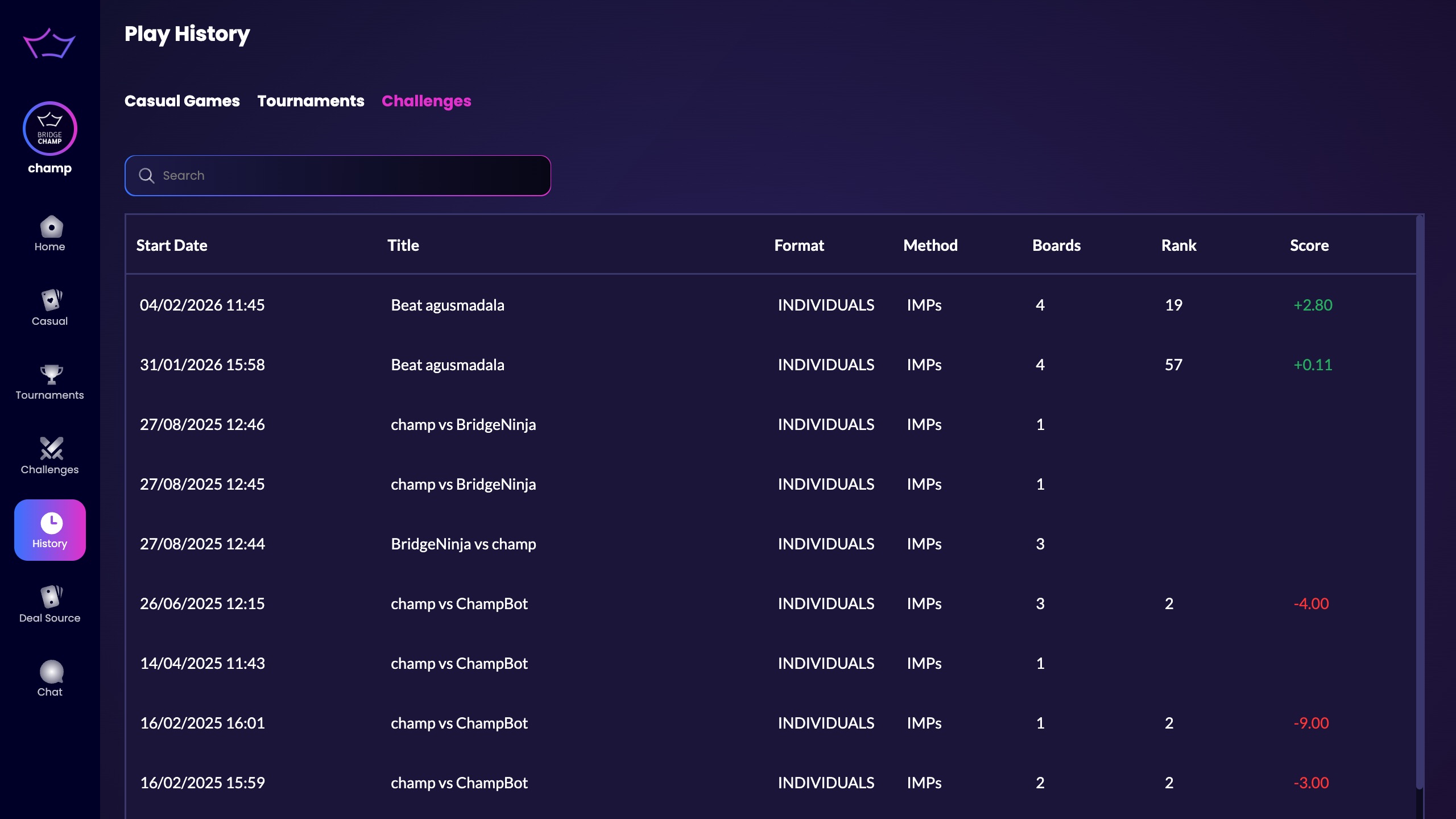
Here you’ll see a list of all the challenges you have played.
Click any challenge to open your result against the player you challenged (or the group, if it was a group challenge).
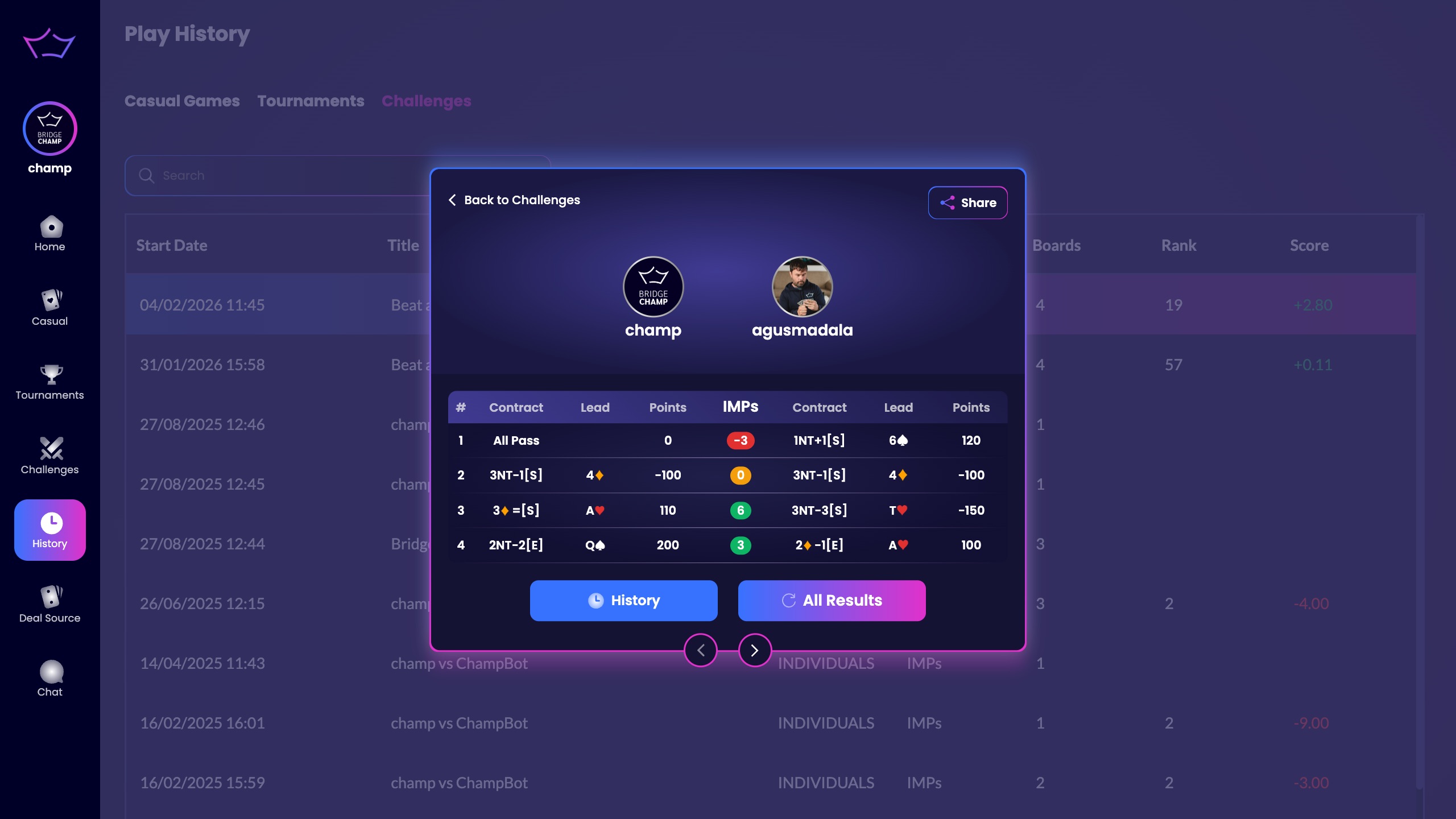
You can also click All Results to view the ranking of all players on the platform who played that same challenge.
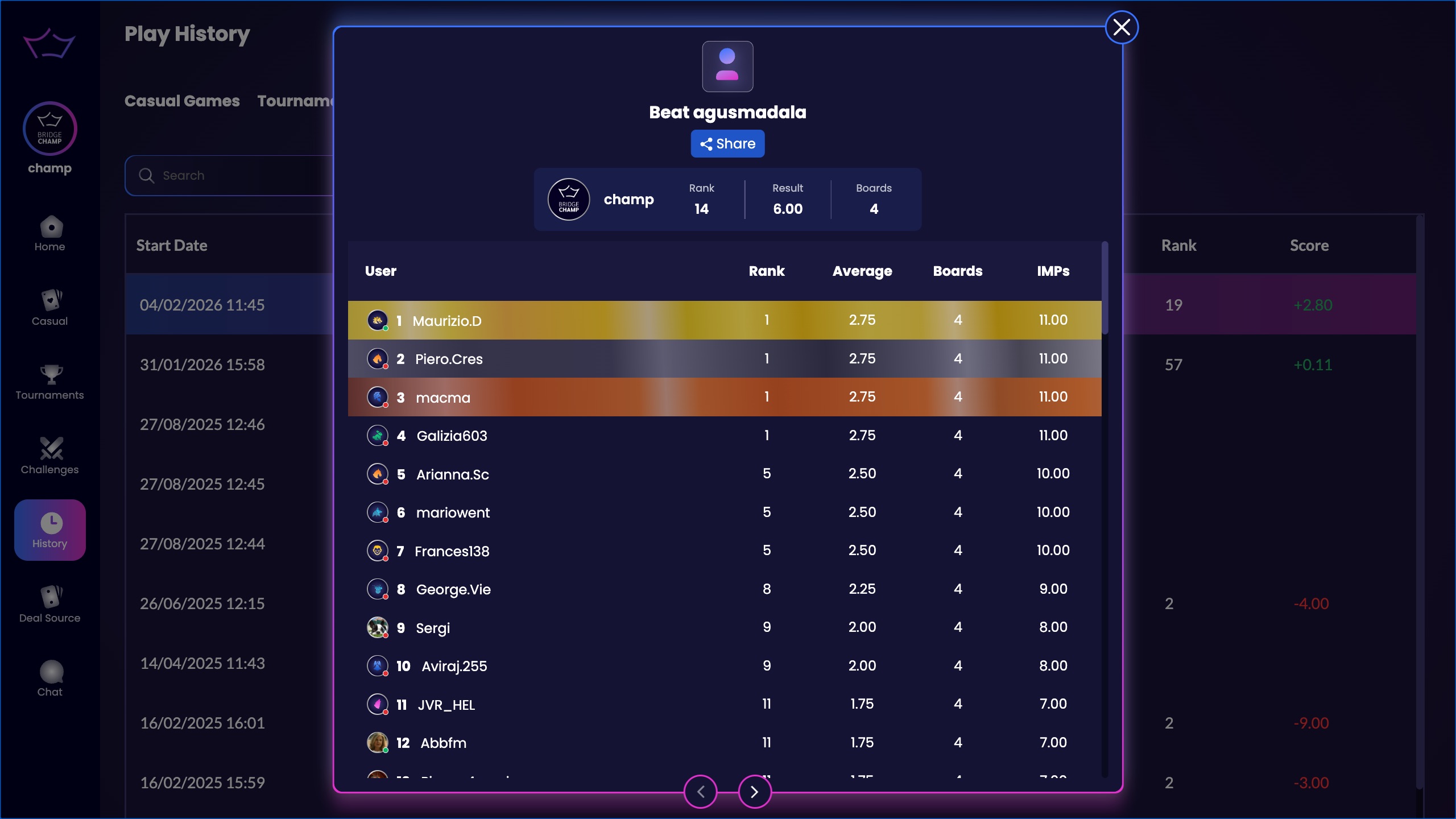
Comparing your score with another player
When you compare a board against one other player, what you see is the difference between your two scores on that board, not how each of you did against the whole field.
¶ Export the results
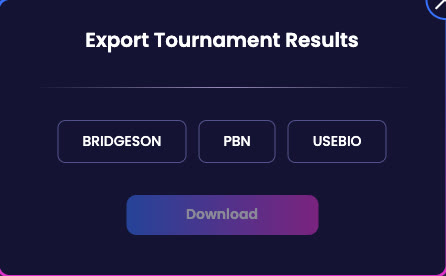
In a tournament's results, click Export, pick a format and click Download. USEBIO is the format the ACBL and many bridge federations use, PBN opens in most bridge software, and BRIDGESON is Bridge Champ's own format. The printer button next to it prints the results.
In an ACBL sanctioned tournament the results also show each player's strat and the masterpoints won. See ACBL Masterpoints.
¶ Related guides
- Play From Position: save any position from a board you have played and replay it from that exact point, on your own or with a student.
- Share Hands: send a board, with any saved positions, straight to another player.
- For Teachers: the tools for reviewing hands with a class.