¶ Beat the Champ Challenges on Bridge Champ
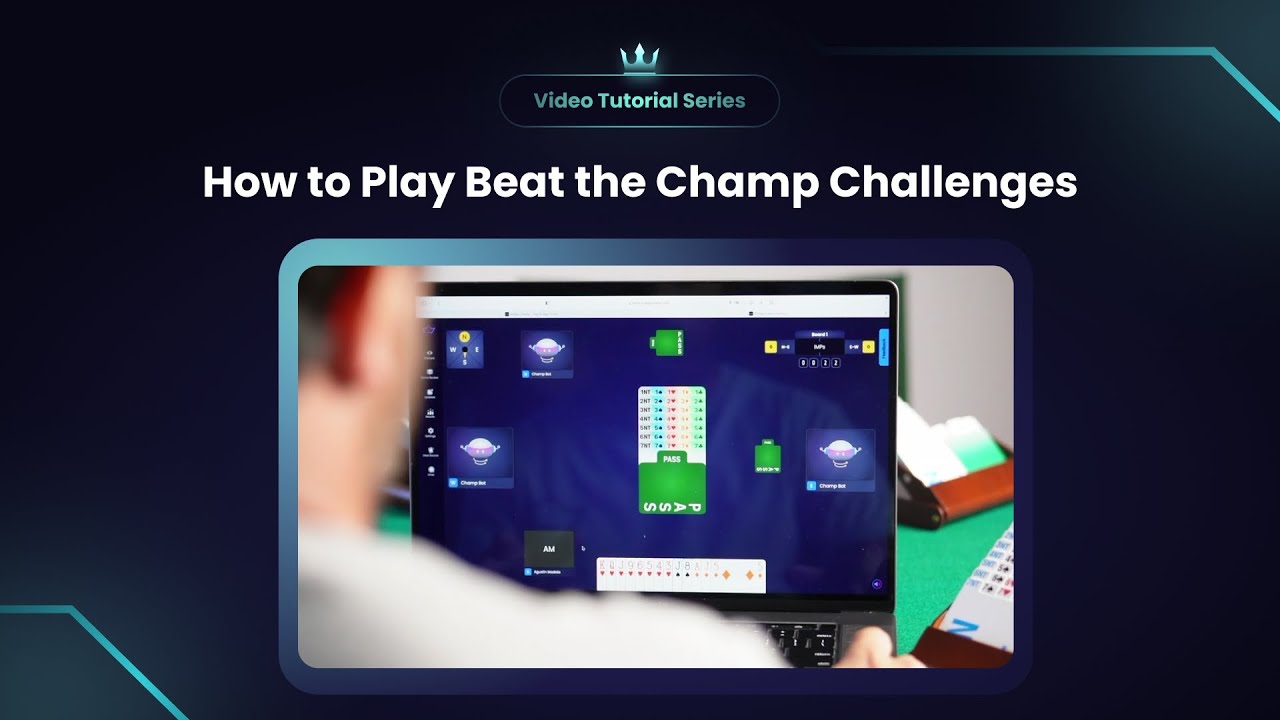

¶ Beat the Champ Challenges
¶ What Is Beat the Champ?
Beat the Champ is a special way to use the regular Challenges system to compete against top-level players on Bridge Champ.
A small group of selected users are marked as Champs, for example Agustín Madala, Bridge World Champion. Champs can create challenges that are sent to all users on the platform, giving everyone the chance to play the same boards and compare results directly against them.
¶ Key Features:
- Play Against a Champ: You play the same boards the champion has already played.
- Open for 72 Hours: Once the champ creates and plays the challenge, it stays available for 72 hours.
- Play at Your Own Pace: You do not need to finish in one session. You can pause and continue any time within the 72-hour period.
- Leaderboard: See your result against the champion and compare your position with all players who joined.
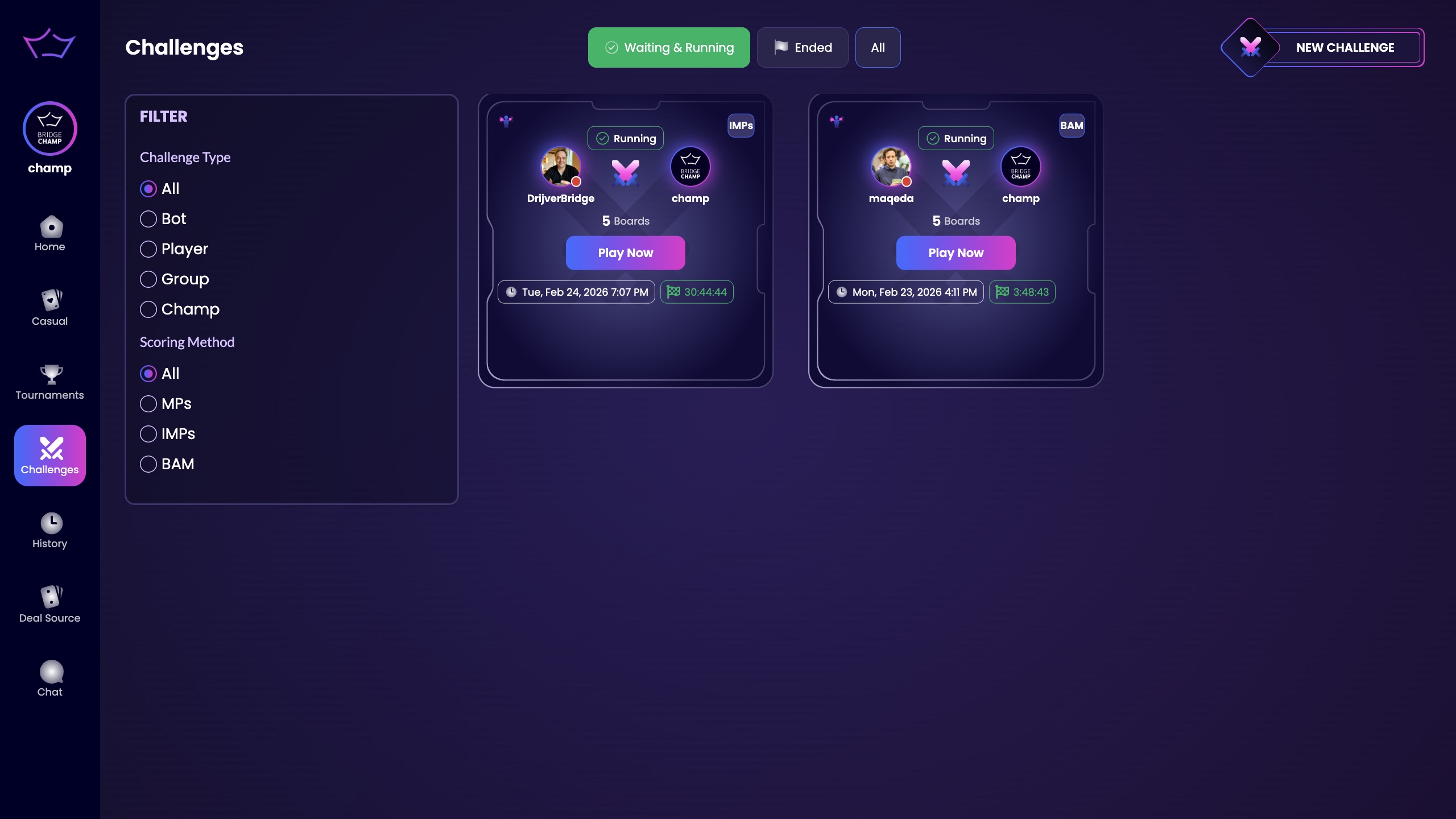
¶ How to Play Beat the Champ
¶ Step 1: Open the Challenges Page
- Log in to bridgechamp.com.
- From the main menu on the left, click Challenges (the icon with the crossed spades).
- This opens the Challenges page.
¶ Step 2: Find a Champ Challenge
- If a champ has created a challenge, you will see it listed on the Challenges page.
- The challenge will show the champ’s name.
¶ Step 3: Play the Boards
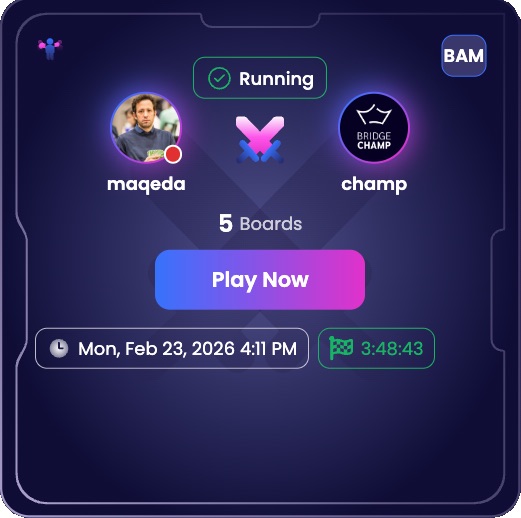
- Click Play Now on the Beat the Champ challenge.
- This opens a table with the same boards the champion has already played.
- Play all boards set for the challenge.
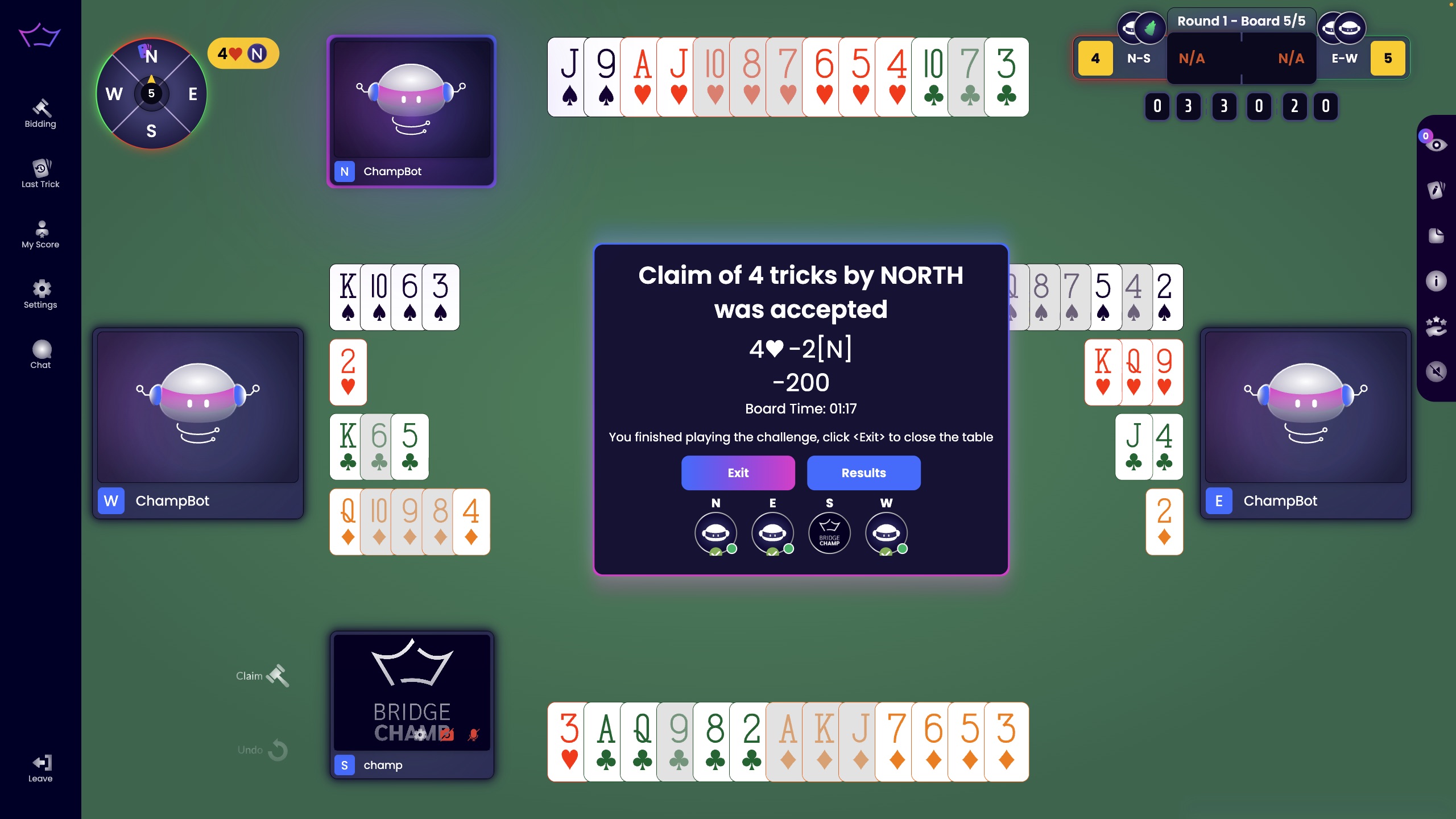
¶ Step 4: Exit and Return to the Challenges Page
- When you finish, click Exit.
- This returns you to the Challenges page.
¶ Results, Ranking, and Sharing
¶ See Your Result Against the Champ
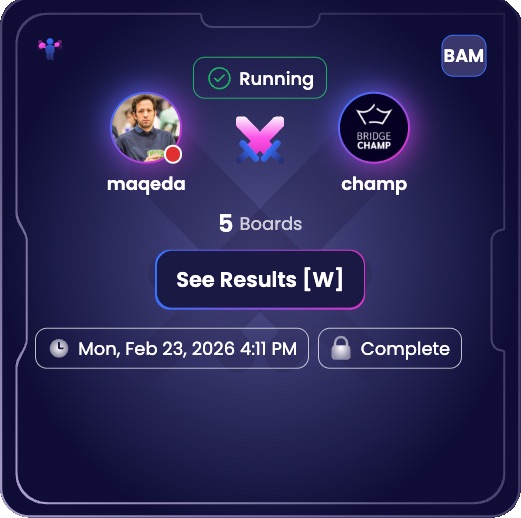
- After you finish the boards, the Play Now button will be replaced by See Results.
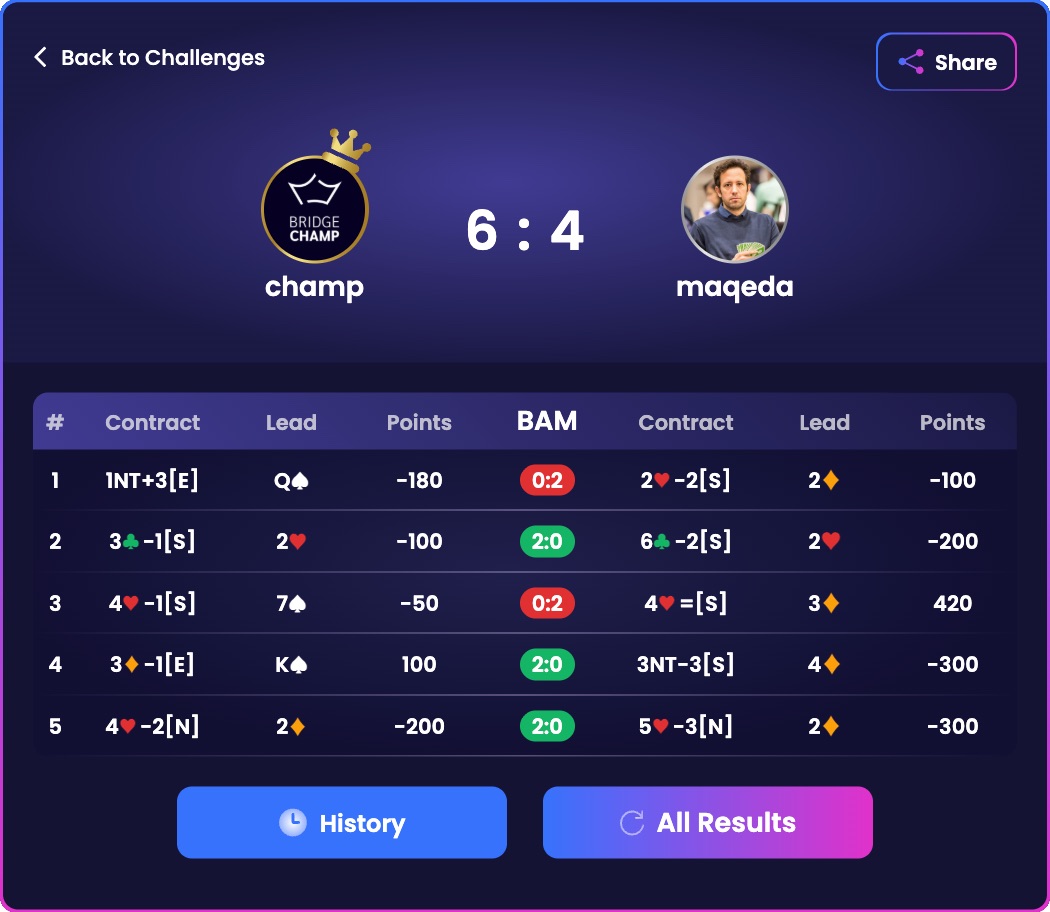
- Click See Results to view your result against the champion.
¶ Open the Full Leaderboard
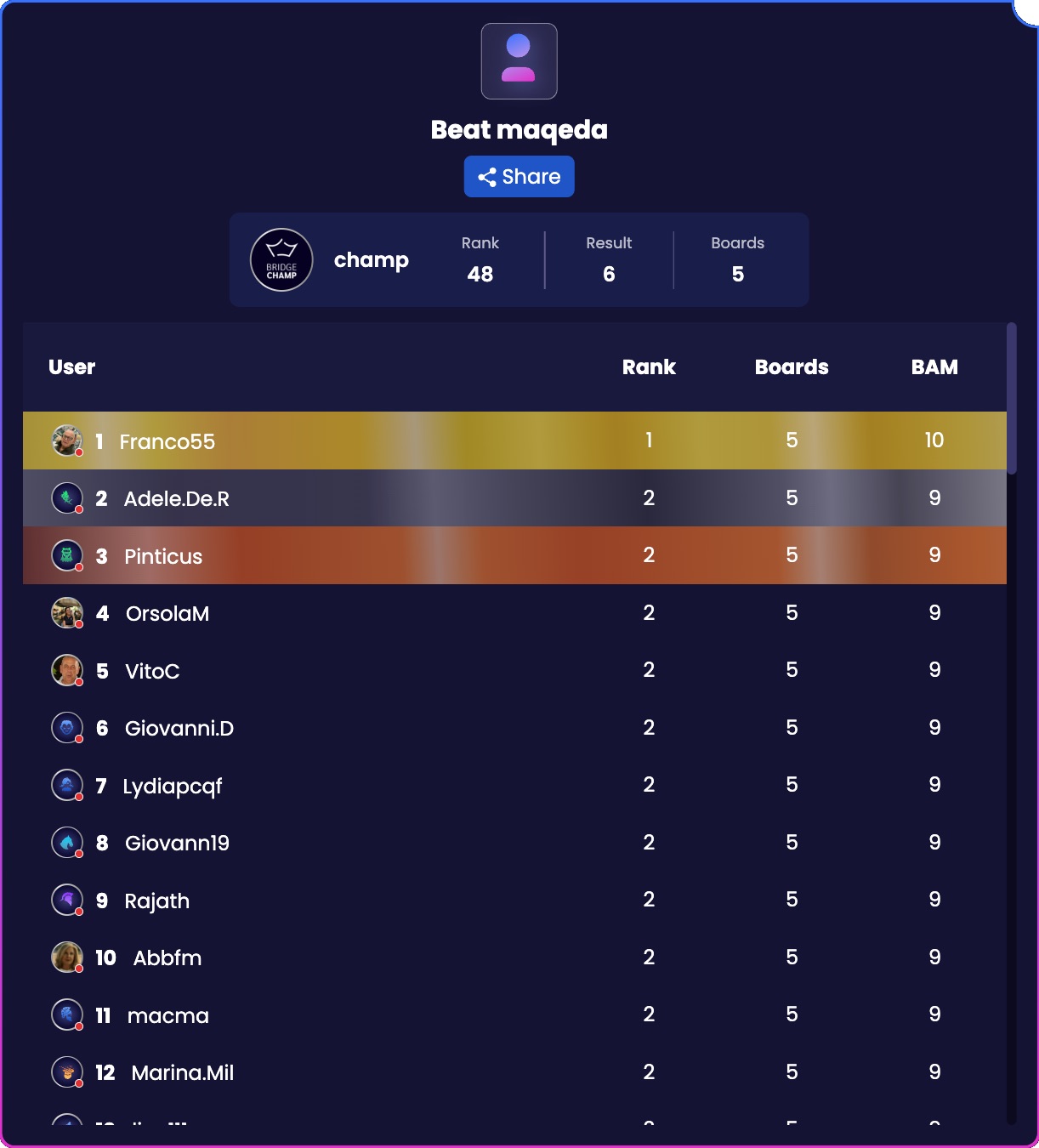
- From the results screen, click All Results.
- This opens the full ranking of all players who played the challenge.
- Find your position on the leaderboard.
¶ Share Your Result
- On the results screen, click the Share button.
- This lets you share your result with others.
¶ Beat the Champ on Mobile
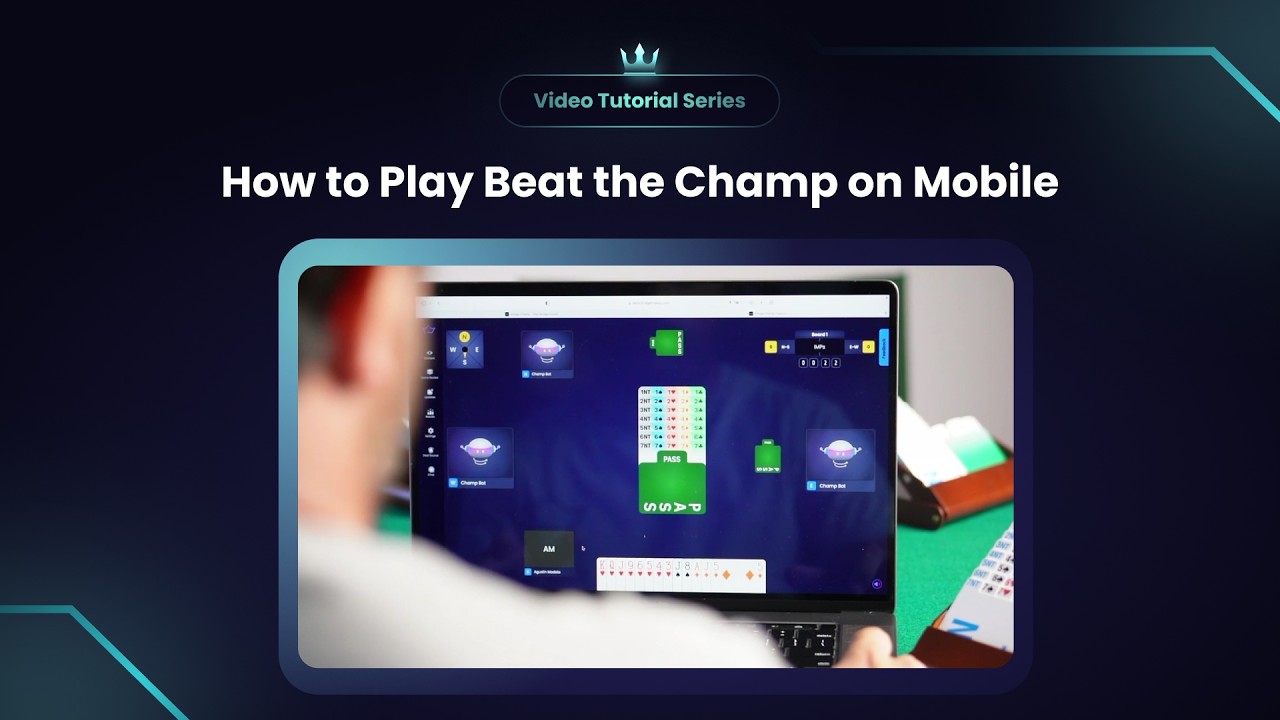
If you are playing on mobile, watch the dedicated mobile tutorial here:
¶ Ready to Play?
Open the Challenges page, join a Beat the Champ challenge, and see how your results compare. Good luck and have fun!